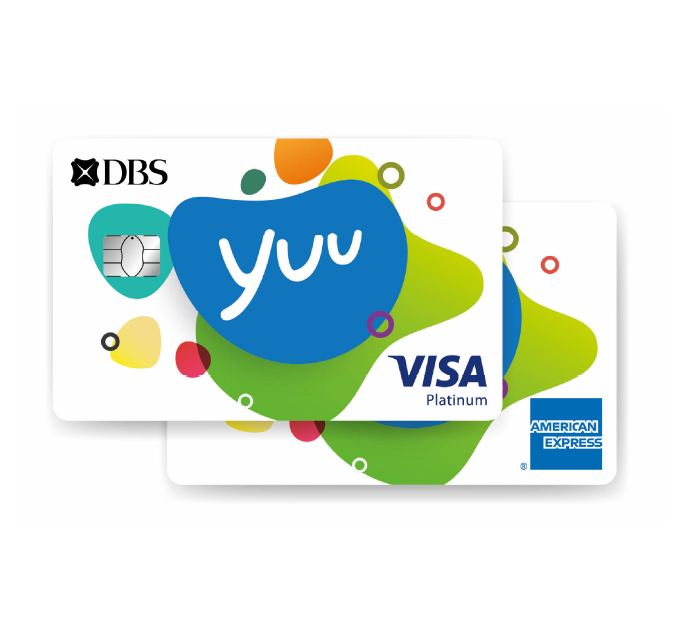


POSB Multi-tude Card
What are the spending limits on my POSB Multi-tude Card?
- Default daily spending limit for PIN-based transactions is S$2,000, subject to your available bank balance, whichever is lower
- Default daily spending limit for signature-based, online, mail and telephone transactions is S$5,000, subject to your available bank balance, whichever is lower.
- Default spending limit for each Card-Not-Present transaction (i,e, online, mail or telephone) account is S$3,000, subject to the daily spending limit of S$5,000 stated in (b) above or your available bank balance, whichever is lower.
Can I change my spending limit for my POSB Multi-tude Card?
Yes, you may change your spending limit. You may submit the request via form Customer's Instruction Form For Debit/Credit Card or visit any DBS/POSB Branch for assistance.
Are there any membership fees?
Yes, the annual fee is S$24 per annum for each POSB Multi-tude Card. However, when you sign up now, there will be a 1 year annual fee waiver!
How long is the application process?
Please allow 7 working days for processing. Application not accompanied with required documents or with incomplete information will cause a delay in processing.
How does my POSB Multi-tude Card work?
You can use it:
- At any POSB/DBS ATM in Singapore and at over 900,000 MasterCard® ATMs worldwide
- For signature-based transactions at any MasterCard merchants locally and globally
- For online, mail and telephone purchases
- For PIN-based transactions such as NETS and AXS
Why do I have to take necessary precautions to safeguard my POSB Multi-tude Card?
As your POSB Multi-tude Card can be authorized for point-of-sale payment using signature, PIN as well as Card-Not-Present payment, it is important to safeguard your Card to prevent unauthorized usage.
What will happen if I lose my POSB Multi-tude Card or if it gets stolen?
You should report your lost or stolen Card to us immediately by calling 1800 339 6666. You will not be liable for any unauthorized transactions made after you have reported the loss.
How can I activate my newly received Multitude Card?
There are 2 ways to activate* your Multitude Card
- Reply us via the acknowledgement slip sent with the Card Mailer
- Instant activation via ATM machine using an existing ATM card
*Please note activation is not available on Mon to Sat, 11pm - 7am & Sun and PH, 9:30pm - 12midnight.
Steps for ATM Activation
- Please insert existing ATM card
- Please select language
- Please enter PIN number for existing ATM card
- Please select Cashcard & More services
- Please select PIN/IB Message services
- Please select Activate Debit Card
- Please enter your 16 digit Debit Card number
- Please enter New Pin number for your Debit Card
- Please re-enter New Pin number to confirm
- Your Debit Card is activated, and can be used immediately.
When can I use my Multitude Debit Card?
You need to activate your Multitude Card before it is available for use. Upon activation, it will be available for use immediately.
What is the Billing Cycle of my Multitude Debit Card?
Multitude Debit card is fixed at Billing Cycle 9. Please note that a separate monthly statement will be sent to you if your Primary account is a POSB Passbook Savings Account.
Click POSB Multi-tude Card to apply.