Problems viewing this email? Select "always display images" or click here to view the online version
 |
 |
Quick Access to Your Transaction History
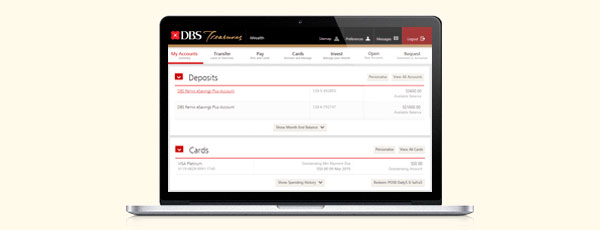
Check your transaction history easily by following any one of these steps:
- On the Home Page, simply scroll down to the Deposits section and click on the Account Name or Account Number to view the Transaction History of the desired account.
- Go to ‘My Accounts’ on the top navigation bar and select “Deposits”. Click on the Account Name or Account Number of the desired account.
- Under Quick Links, set “View Transaction History” as a customised shortcut for instant access.
View our Video Guides for more information on how to access our frequently used services.
|
|



|

Terms & Conditions | Privacy Policy | Compliance with Tax Requirements
DBS Bank Ltd Co. Reg. No.: 196800306E Mar 2015