Market News
View research reports, market news, and insights at a glance.
How to access market news
Desktop

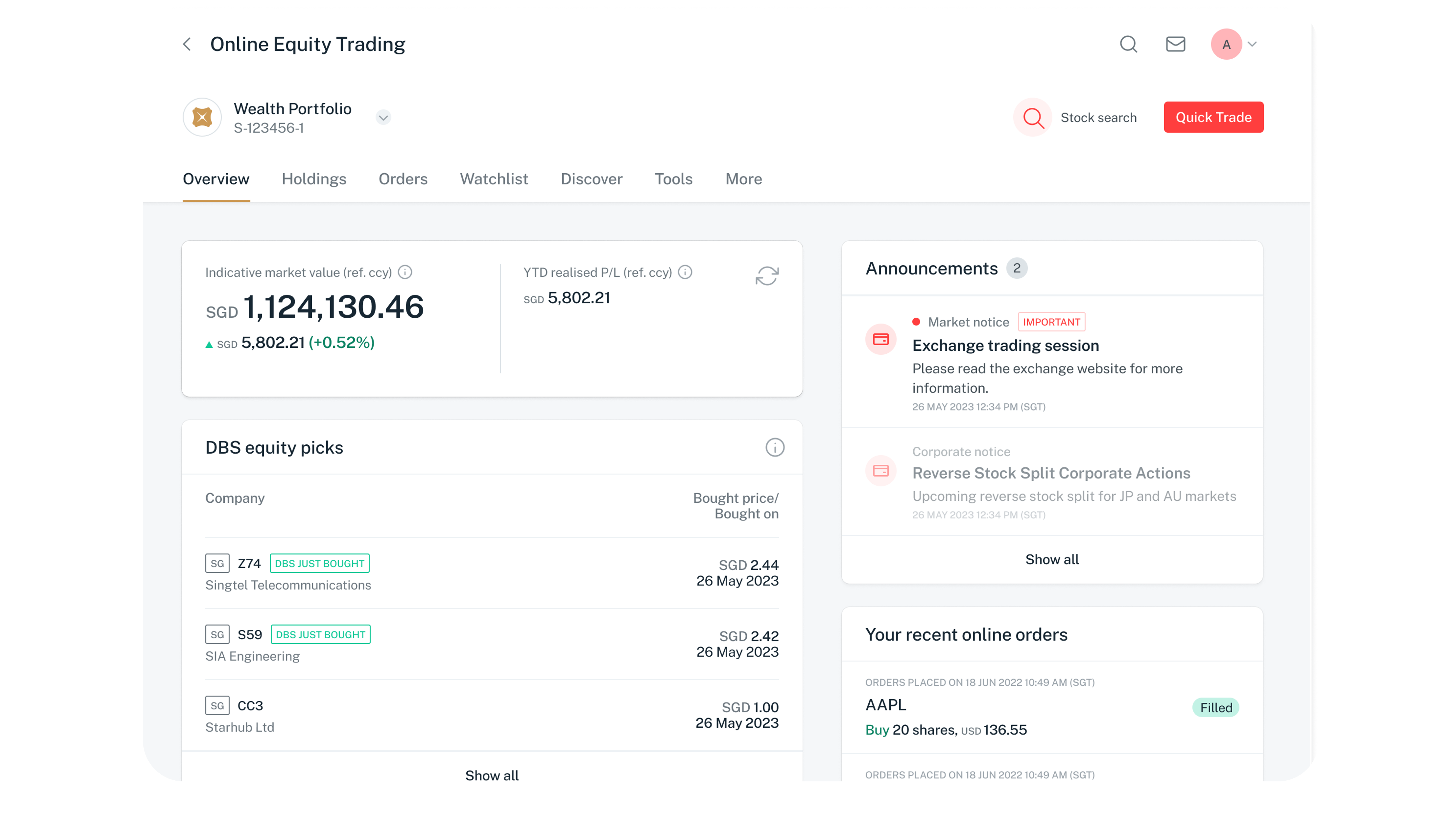
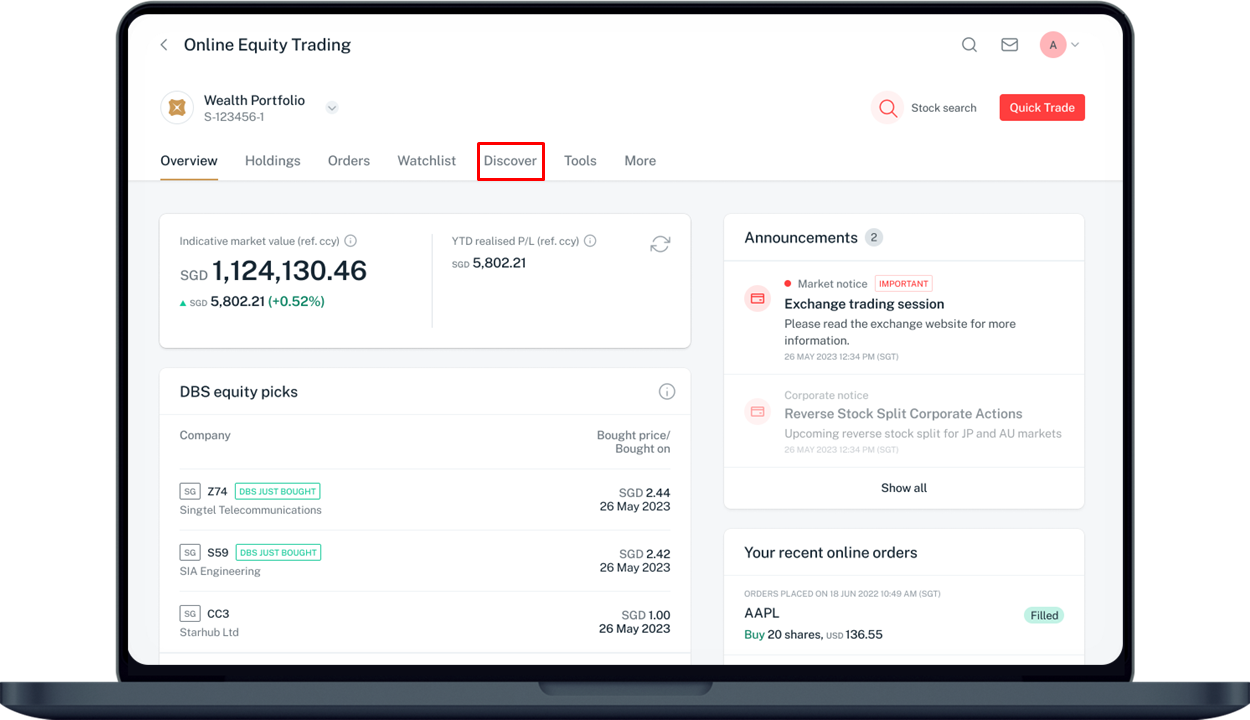
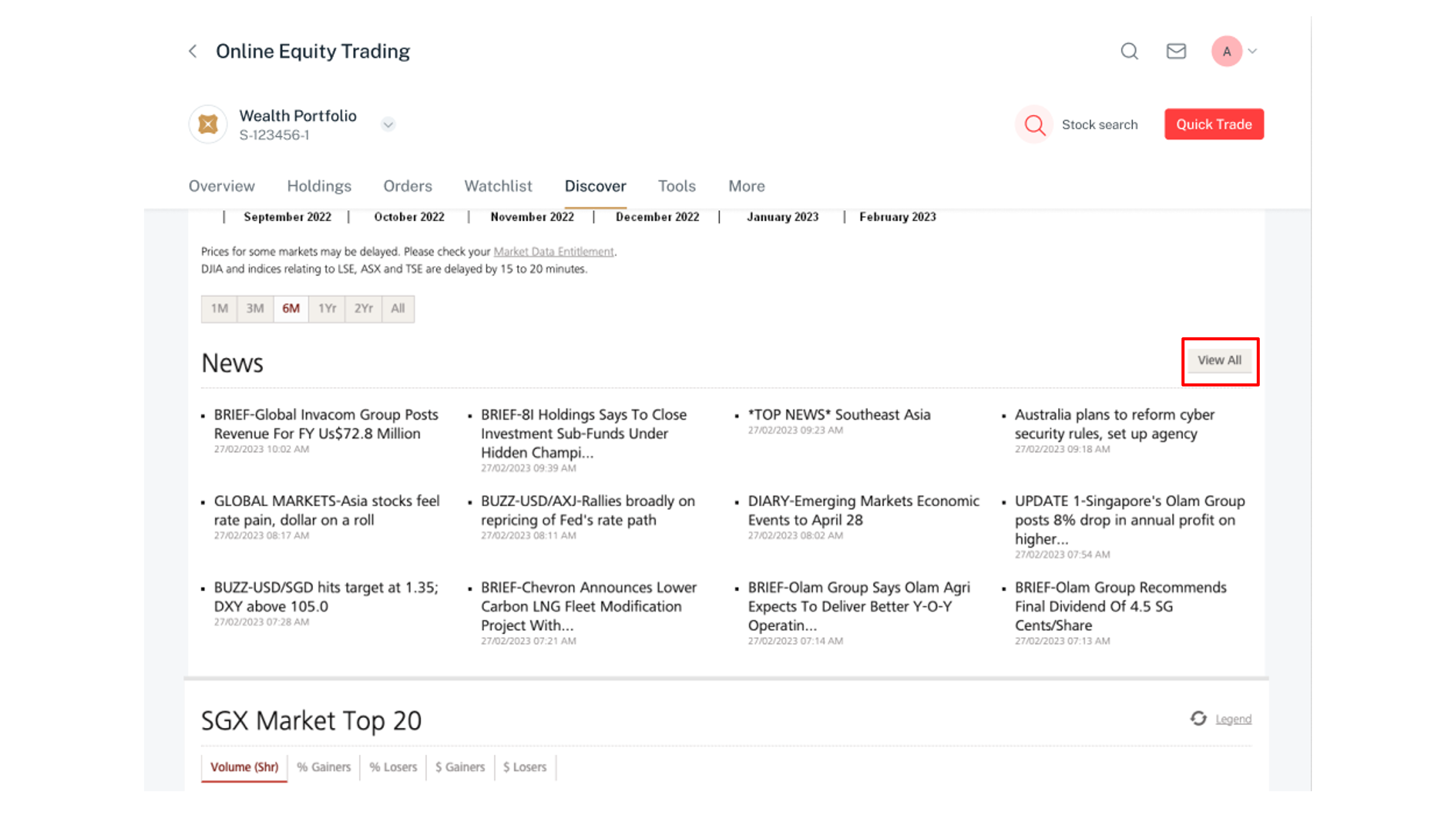
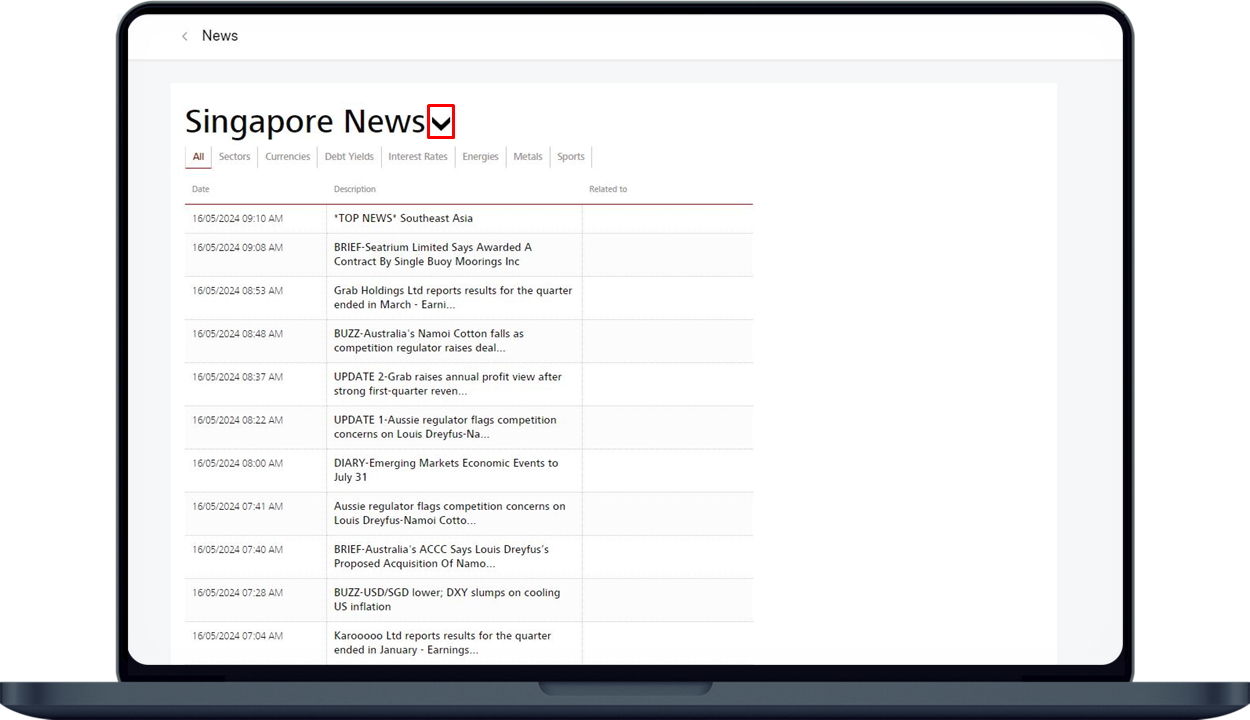
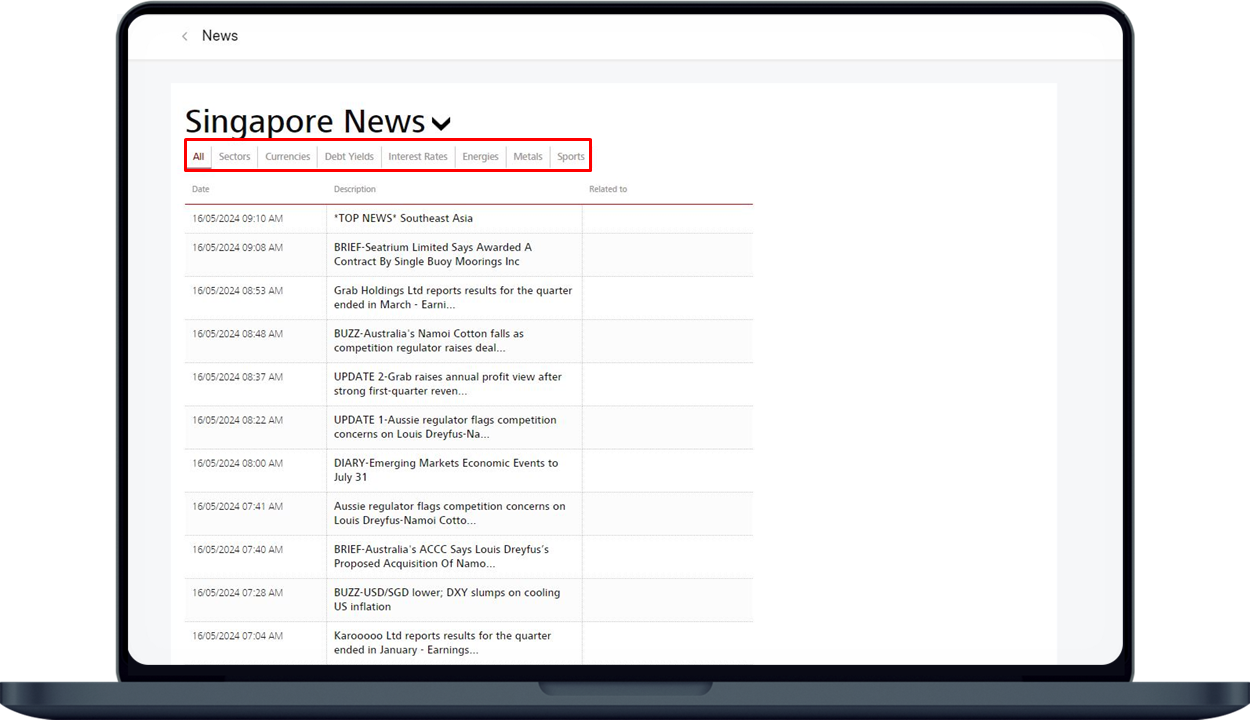
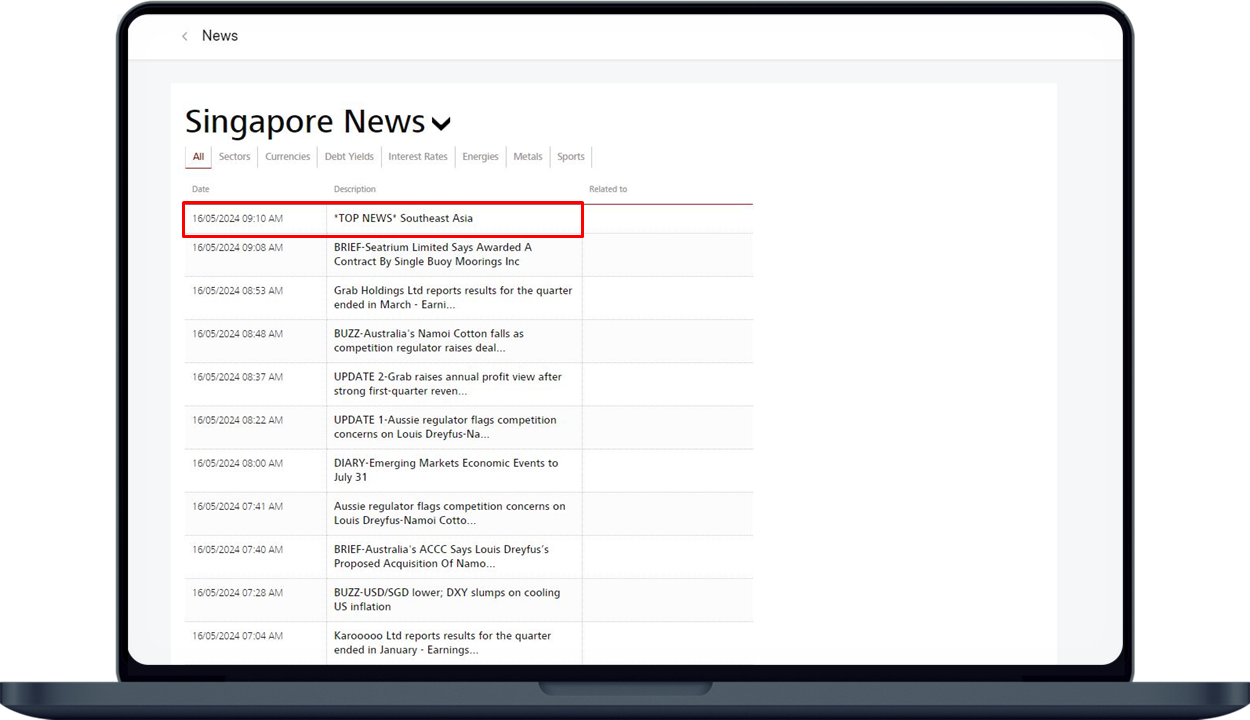
More information
- Online Equity Trading is available via digibank (desktop and mobile) and Direct Connect (desktop; mobile access coming soon).
- Find out more from our DBS Online Equity Trading FAQs.
Disclaimer
The document is published by DBS Bank Ltd (“DBS Bank”) and is for information only. This document is intended for DBS Bank and its clients to whom it has been delivered, and may not be reproduced, transmitted or communicated to any other person without the prior written permission of DBS Bank. This document is not and does not constitute or form part of any offer, recommendation, invitation, or solicitation to subscribe to or to enter into considerations, any transaction, and should not be viewed as such. This document is not intended to provide, and should not be relied upon for accounting, legal or tax advice, or investment recommendations, and is not to be taken in substitution for the exercise of judgement by the reader, who should obtain separate legal or financial advice. DBS Bank does not act as an adviser and assumes no fiduciary responsibility or liability for any consequences, financial or otherwise.