Send money to Alipay in China
More ways to send to Alipay recipients
DBS Remit have partnered with Alipay to make overseas transfers to China even easier for you!
Send money to family, friends or for everyday needs with Alipay. With expanded recipient eligibility, you can now send to more Alipay recipients in China.
First time receiving a DBS Remit transfer via Alipay? Learn how to activate your Alipay Flash Collect and receive your transfer.
Simply select Alipay and enter your recipient’s mobile number to enjoy same-day transfers at zero fees.
How your recipient can receive your DBS Remit transfer
Share these simple steps with your recipient so they can receive remittances to their Alipay account.Enjoy up to S$60 cashback with DBS Remit
If you're a new DBS Remit customer, you can get cashback when you make your first transfer!
- S$12 cashback: Transfer S$300 or more within one transaction using DBS Remit.
- S$60 cashback: Transfer S$1,500 or more within one transaction using DBS Remit.
Promotion is valid for first-time DBS Remit customers or those who have not made any DBS Remit overseas transfers in the past 12 months. Limited to one cashback reward per customer. T&Cs apply.
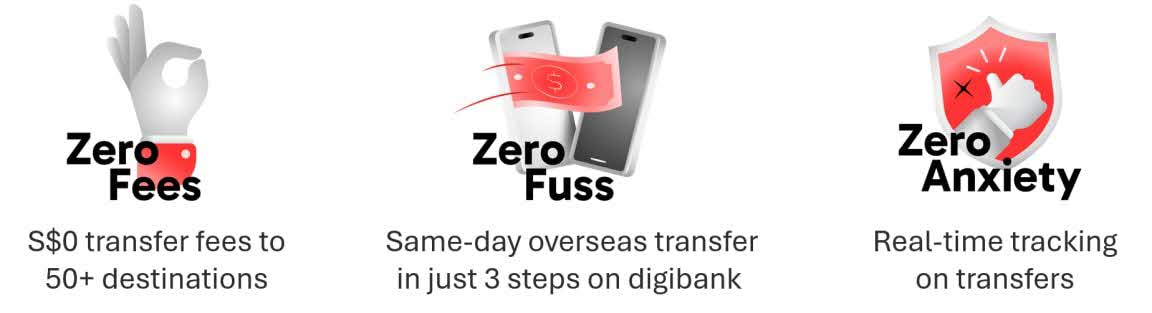
Why DBS Remit?
Remit with the World’s Best Digital Bank:

Need help adding an overseas funds transfer recipient? Follow this step-by-step guide.
How to transfer funds overseas to your recipient?
Footnotes
Track your remittance anytime
New to DBS? Get started.
Open an account and start using DBS Remit through digibank.
Download the digibank mobile app and get access to My Account, DBS Visa Debit Card and more.
For foreigners, please prepare these required documents to open an account.
Tap the relevant app store to download:
- Download on the App Store
- Get it on Google Play
- Explore it on AppGallery
What else do you need to know?
Important Information
- Cut-off timings for same-day transfer for different locations
- How to set up recurring transfers
- Take note of country-specific information
- Plan ahead with our holiday schedule
- Learn more about our Overseas Funds Transfer Fees and Charges