Check your DBS Points, Daily$ & Safra$
Check your available DBS Points, Daily$ & Safra$ via DBS PayLah!, DBS digibot, digibank, your monthly statement, or DBS Rewards website.
Part of: Guides > Go Travel with DBS, Go Shopping with DBS
How to check your DBS Points, POSB Daily$ or Safra$
There are various channels for you to check your DBS Points, POSB Daily$ or Safra$. The most convenient method would be via DBS Paylah!.
DBS PayLah! (DBS Points or Daily$ only)

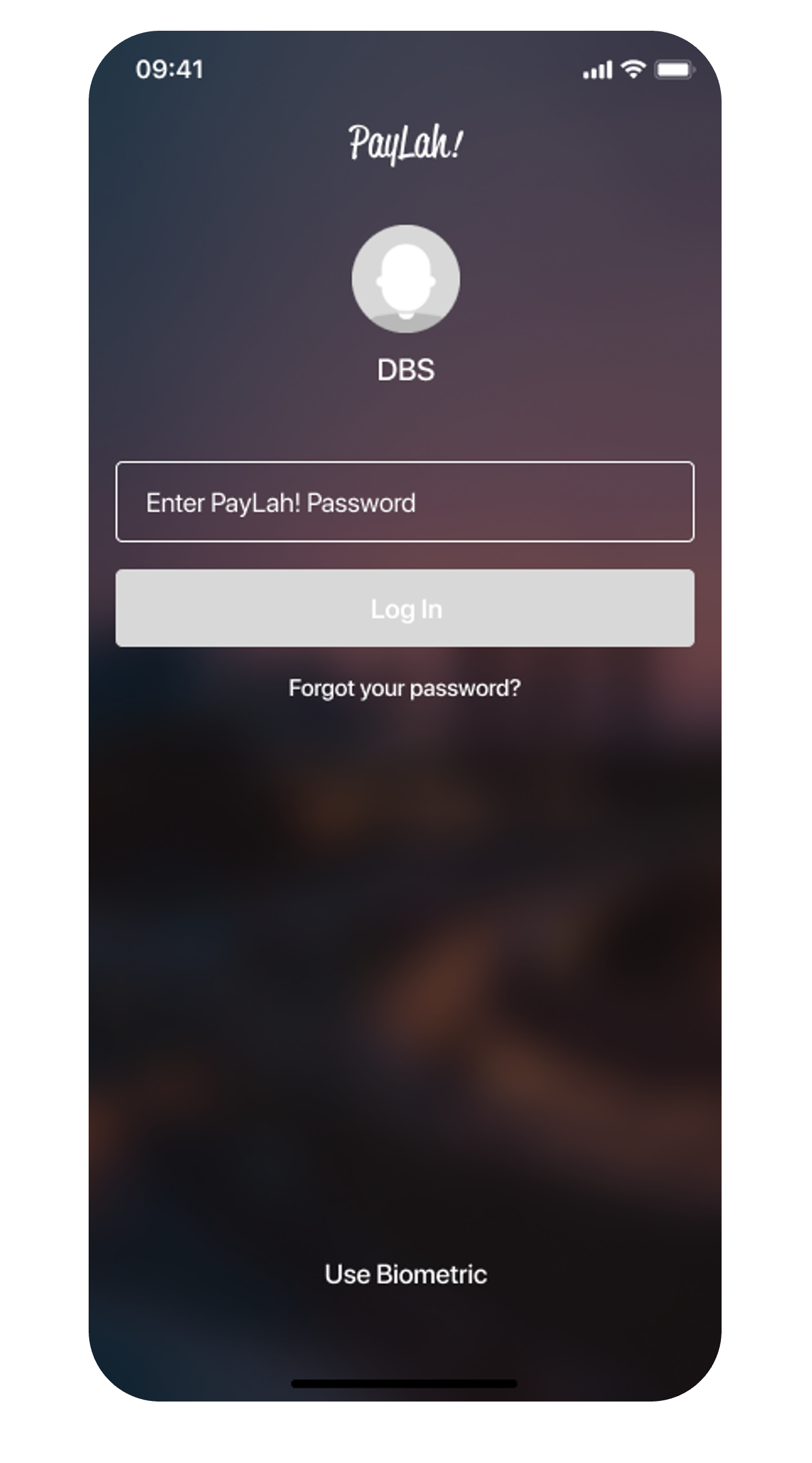
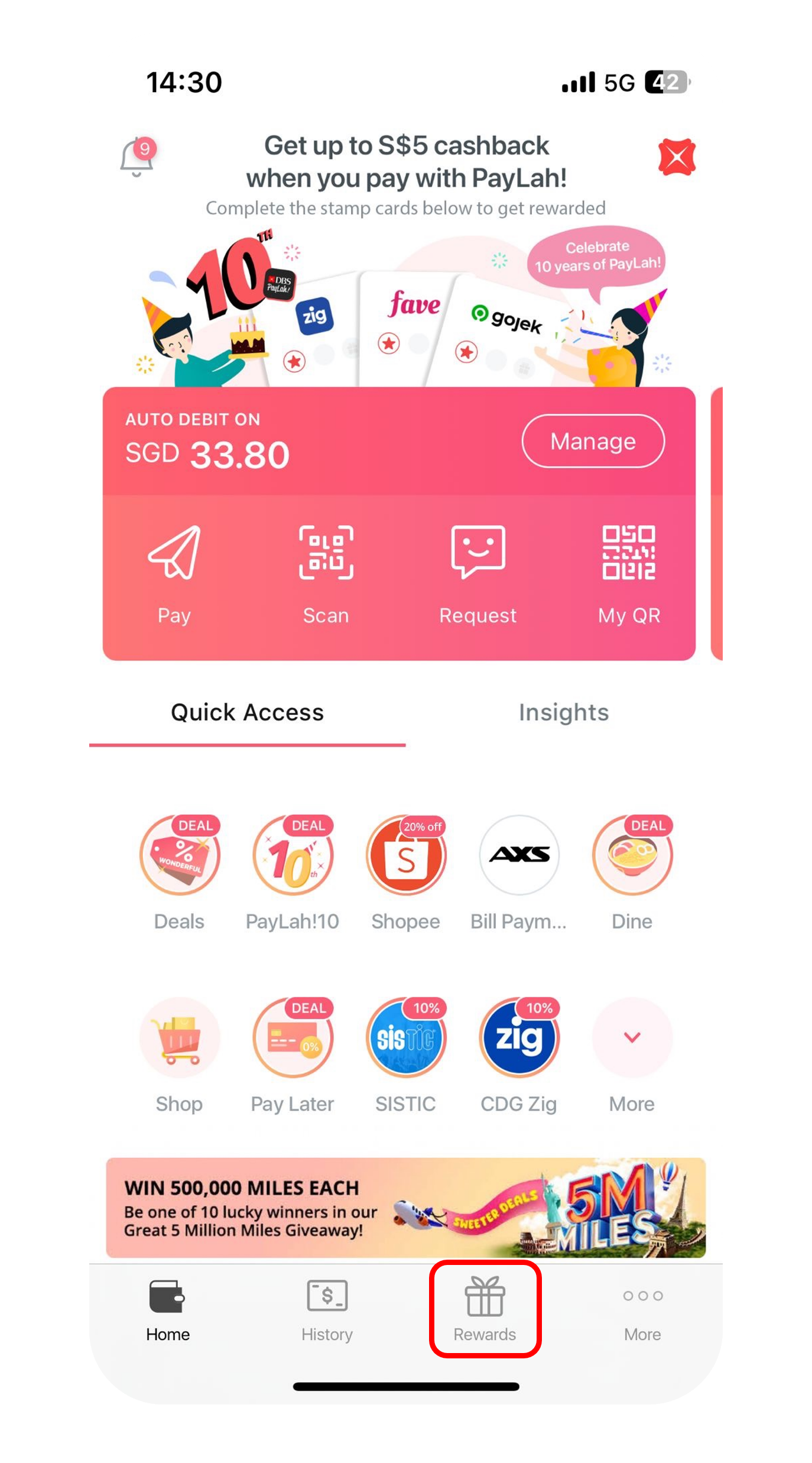
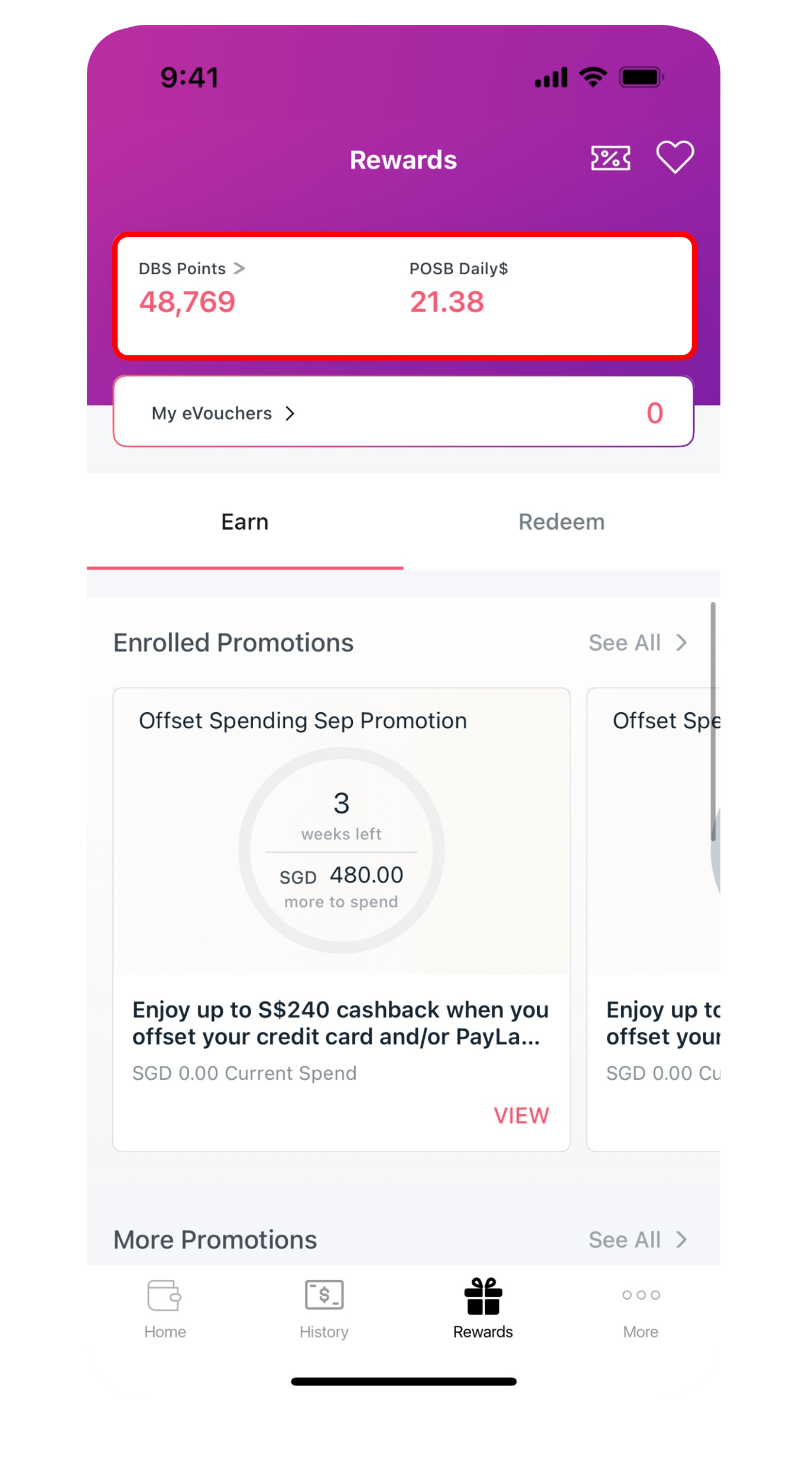
Download DBS Paylah! from App Store or Google Play or AppGallery.



digibank mobile
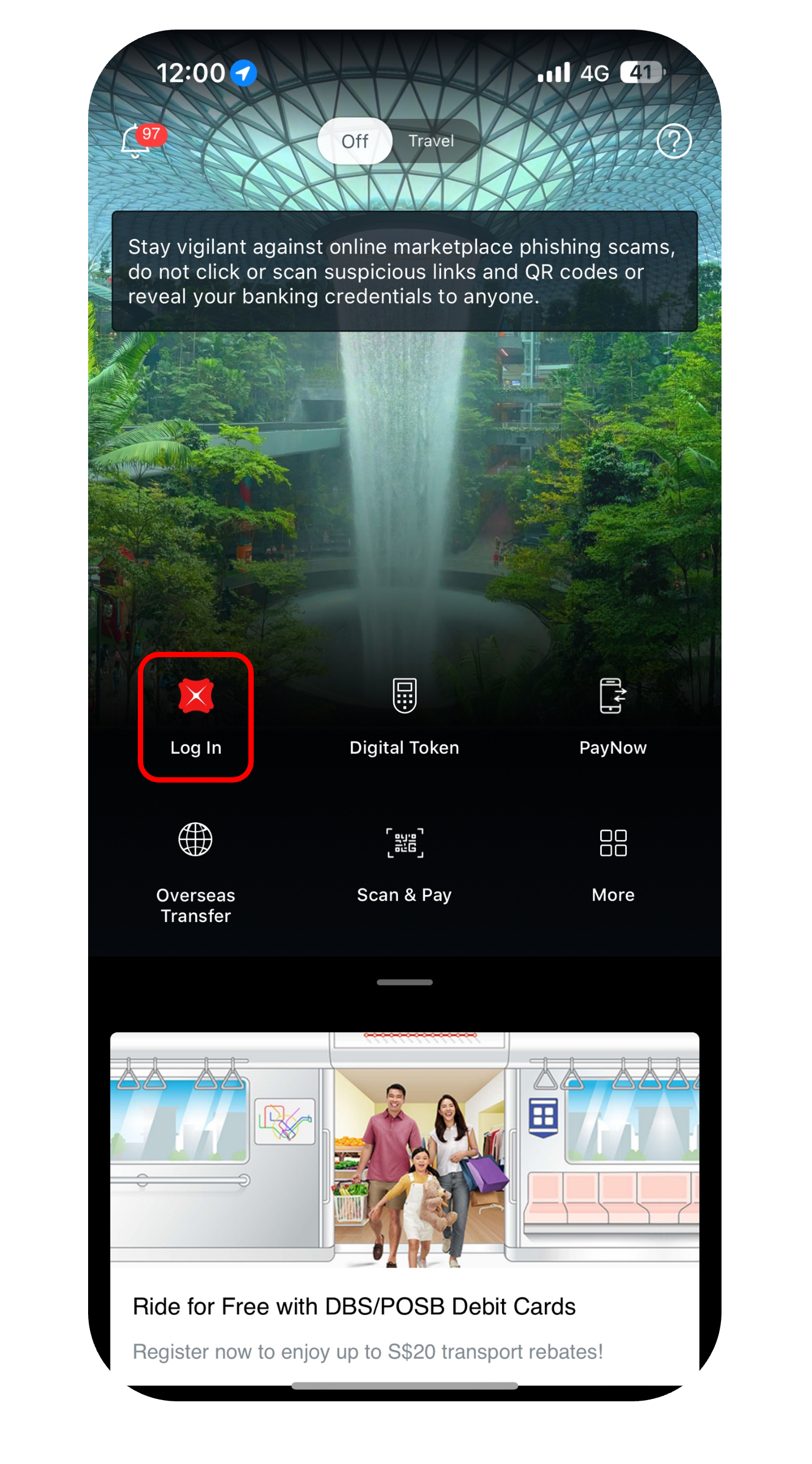
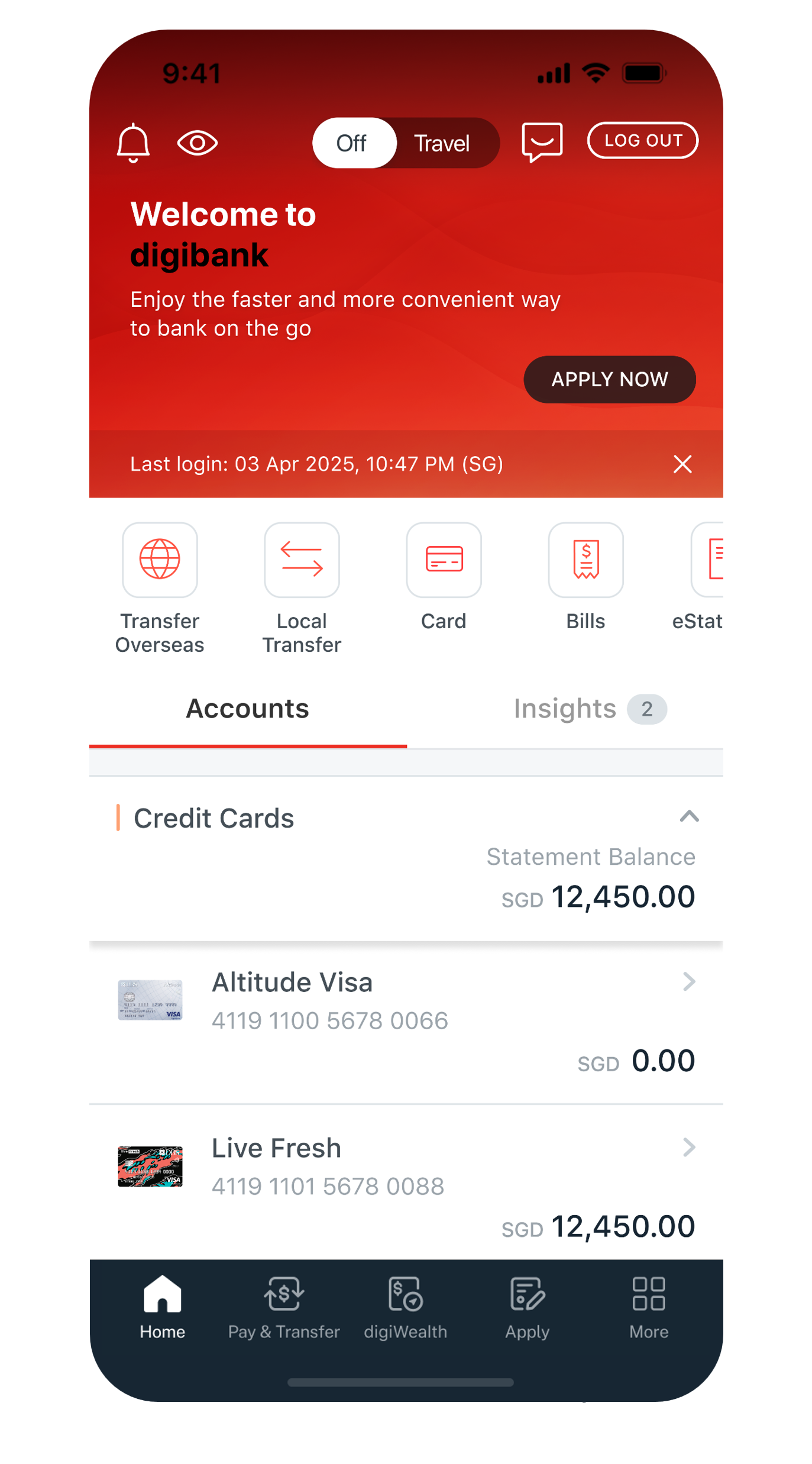
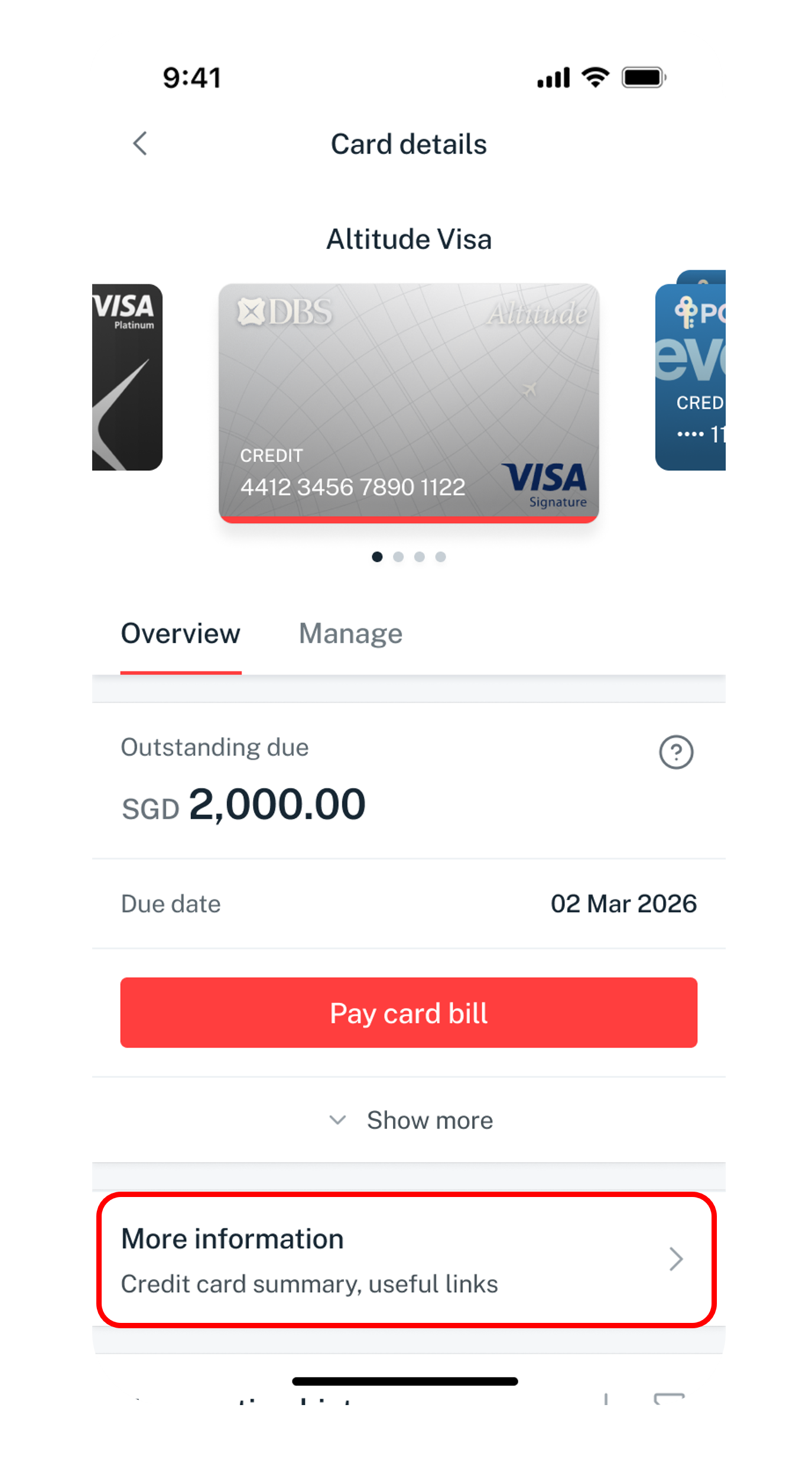
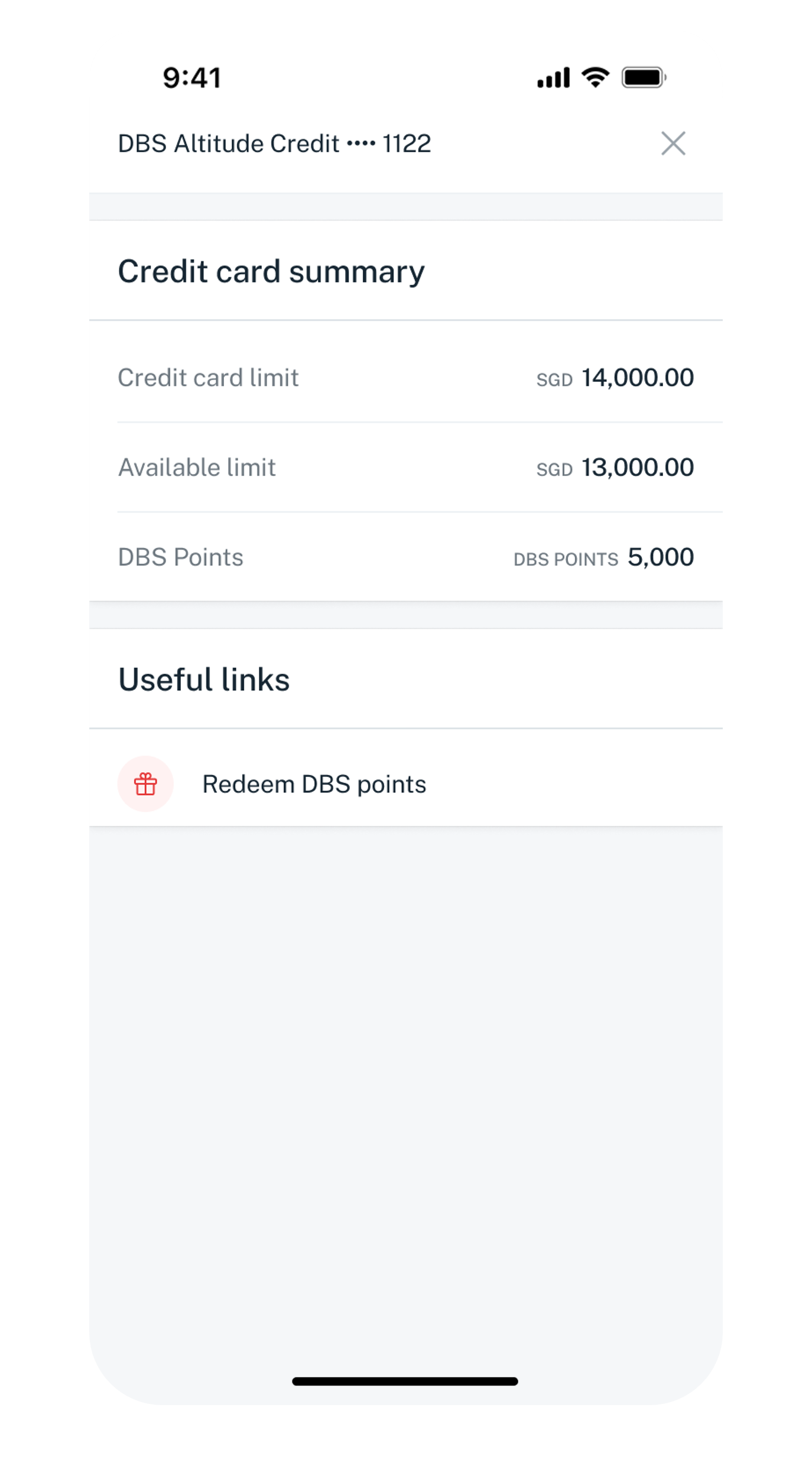
Get the latest DBS digibank mobile app now!
digibank Online



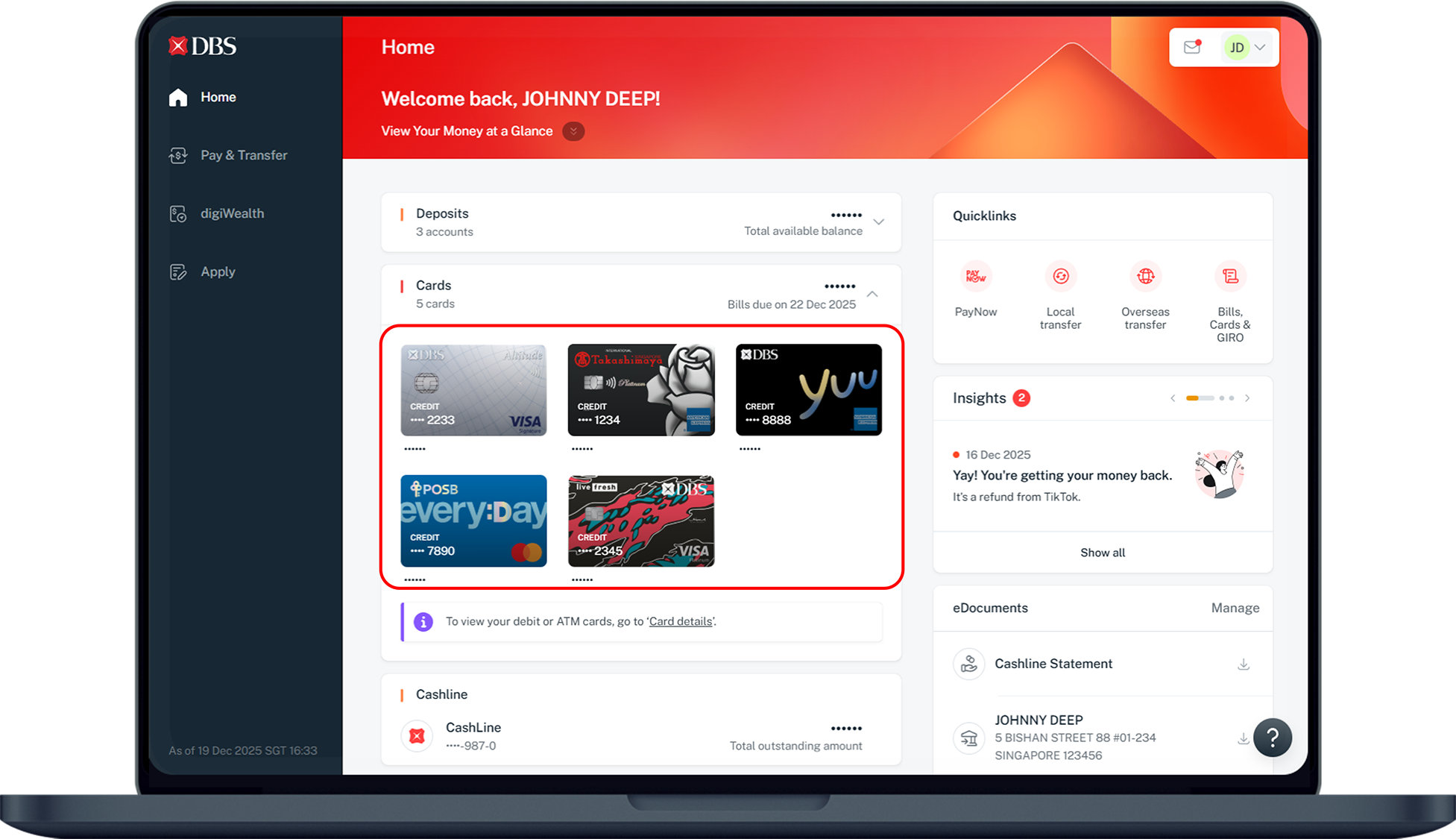
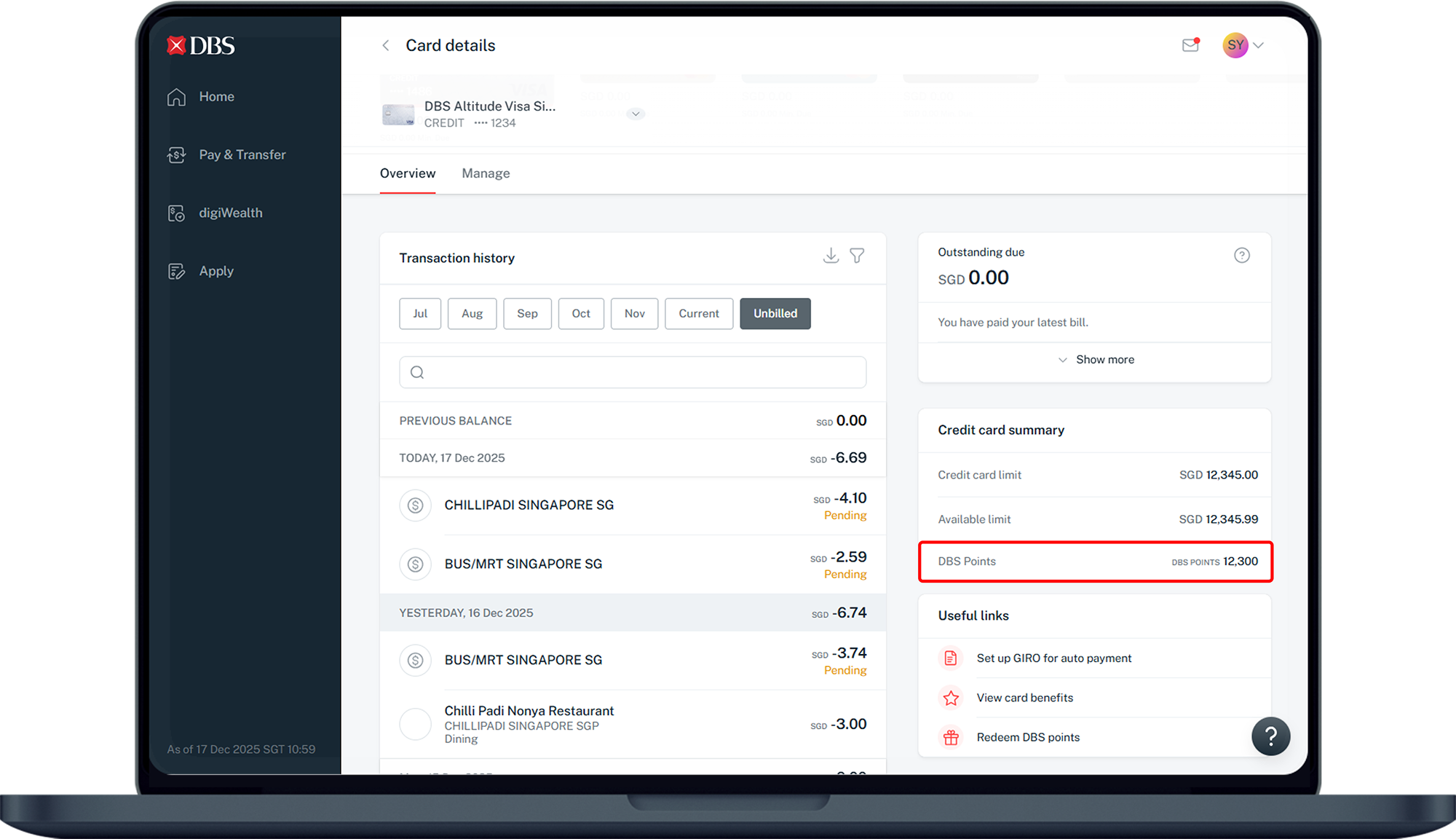
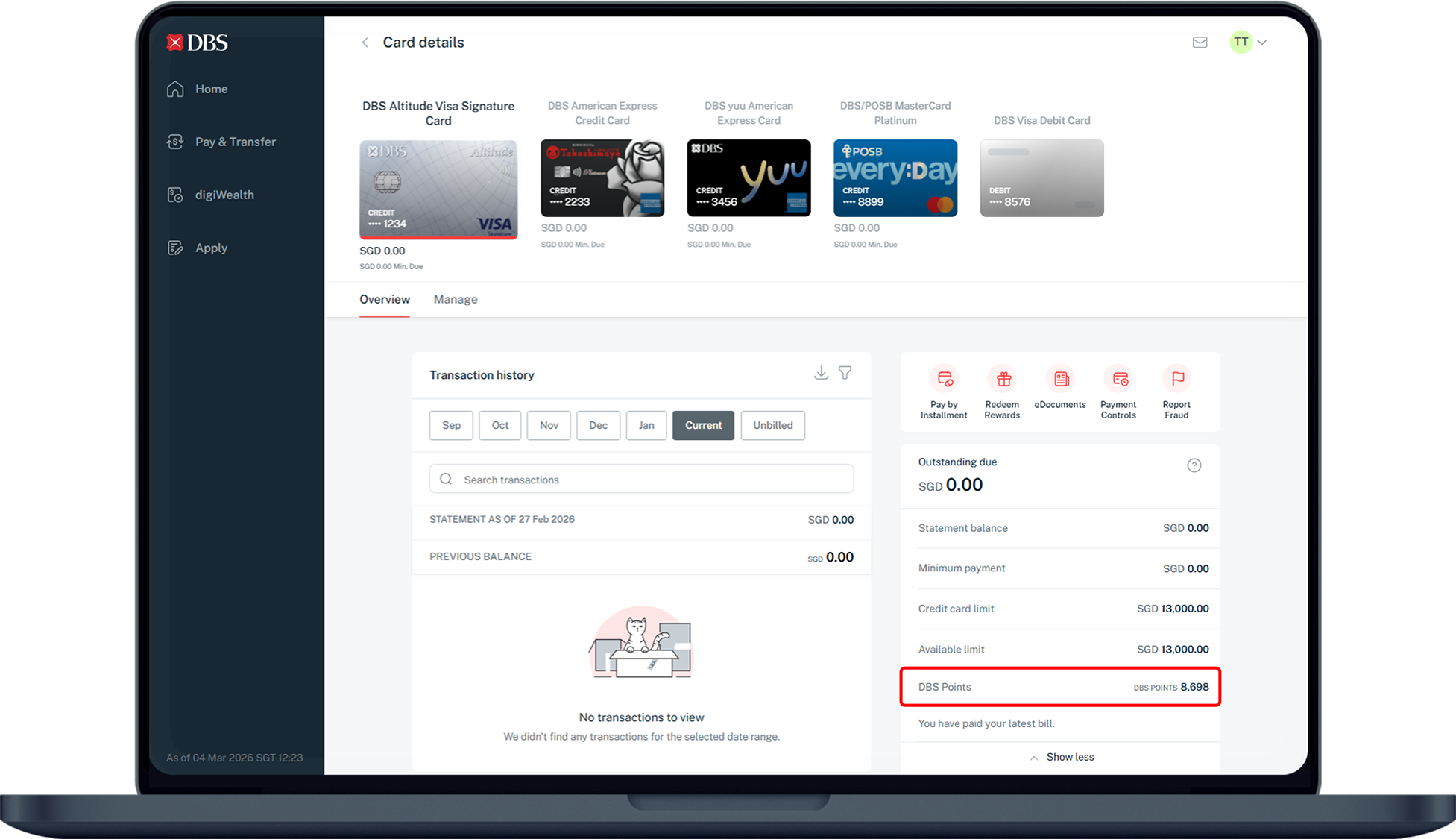
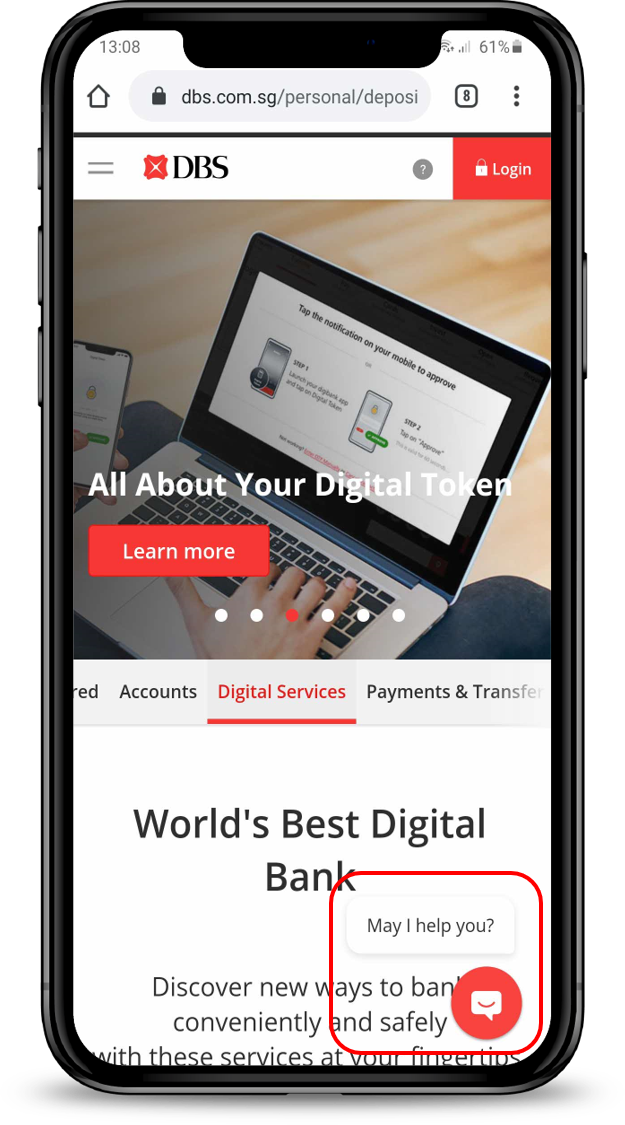
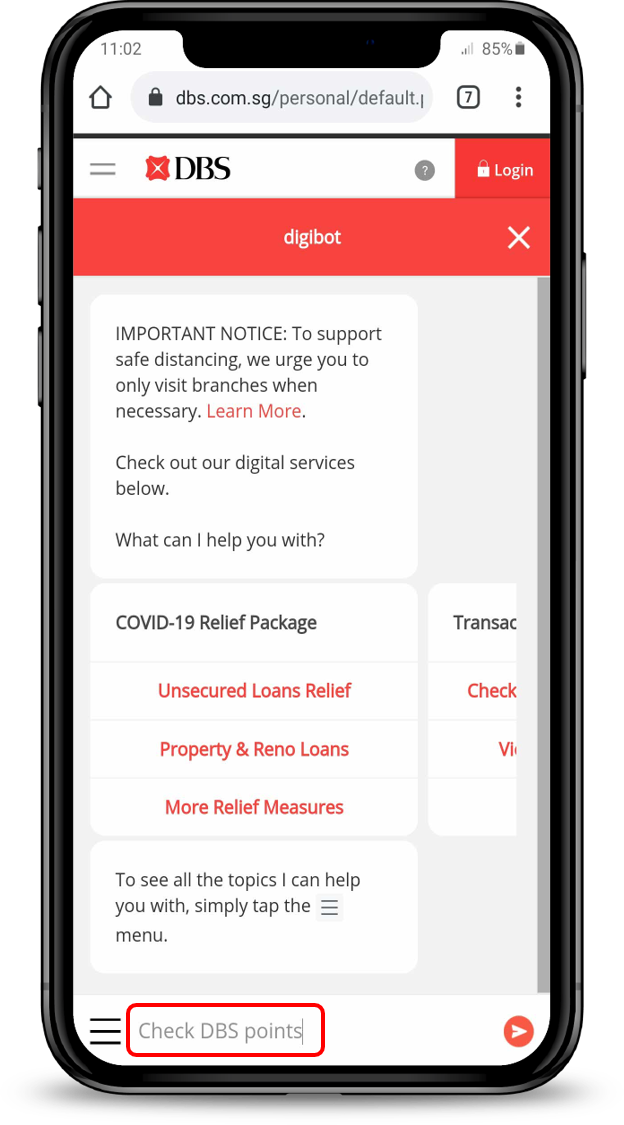
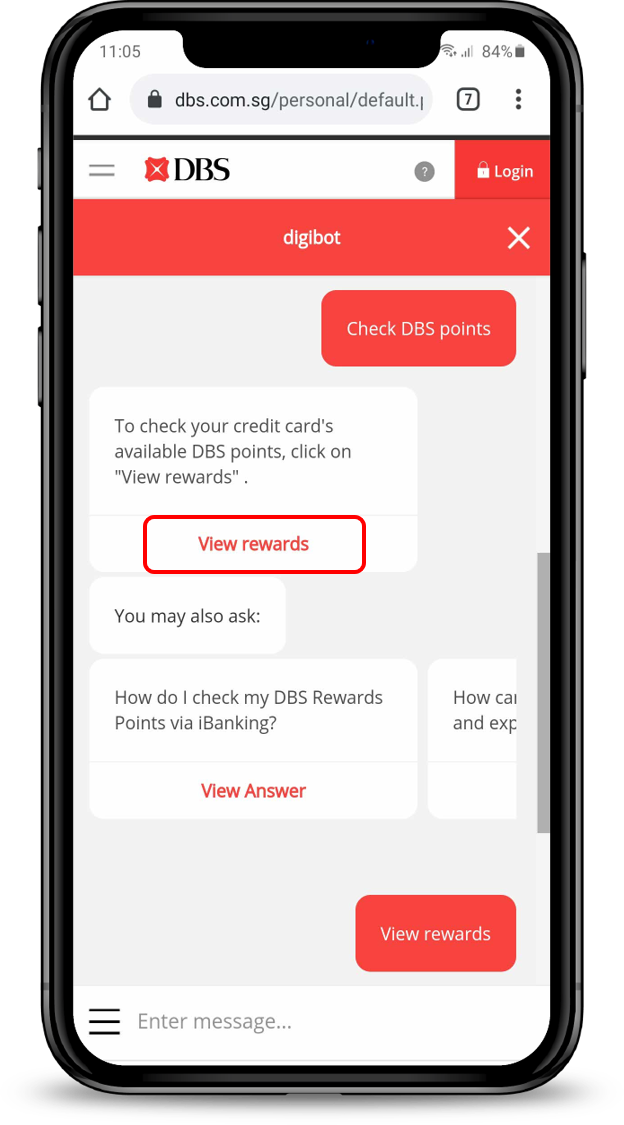
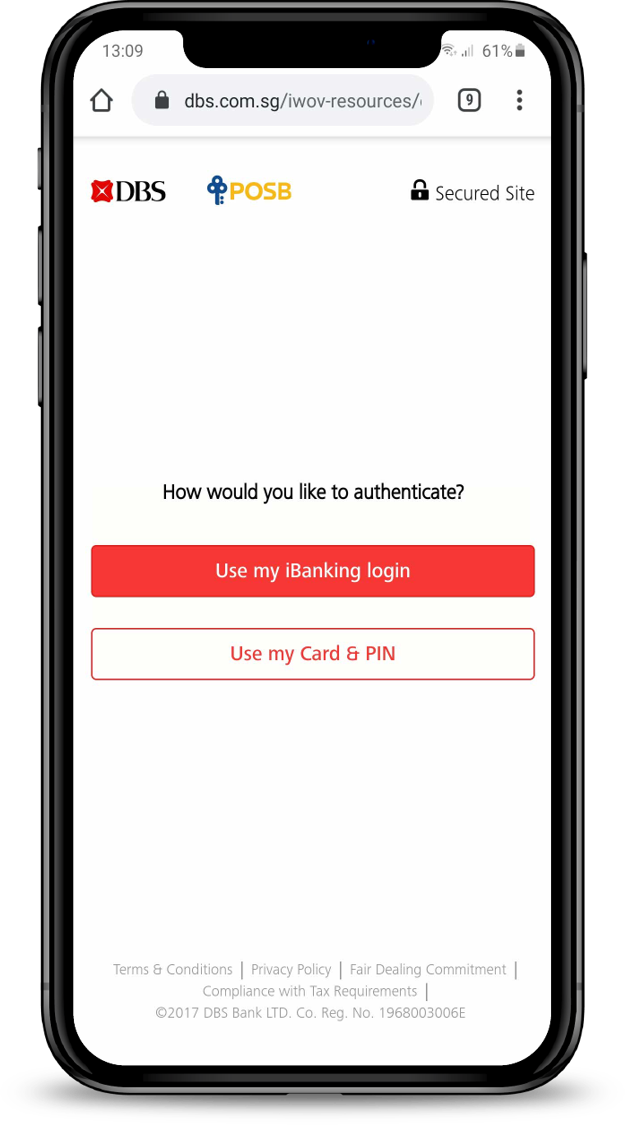
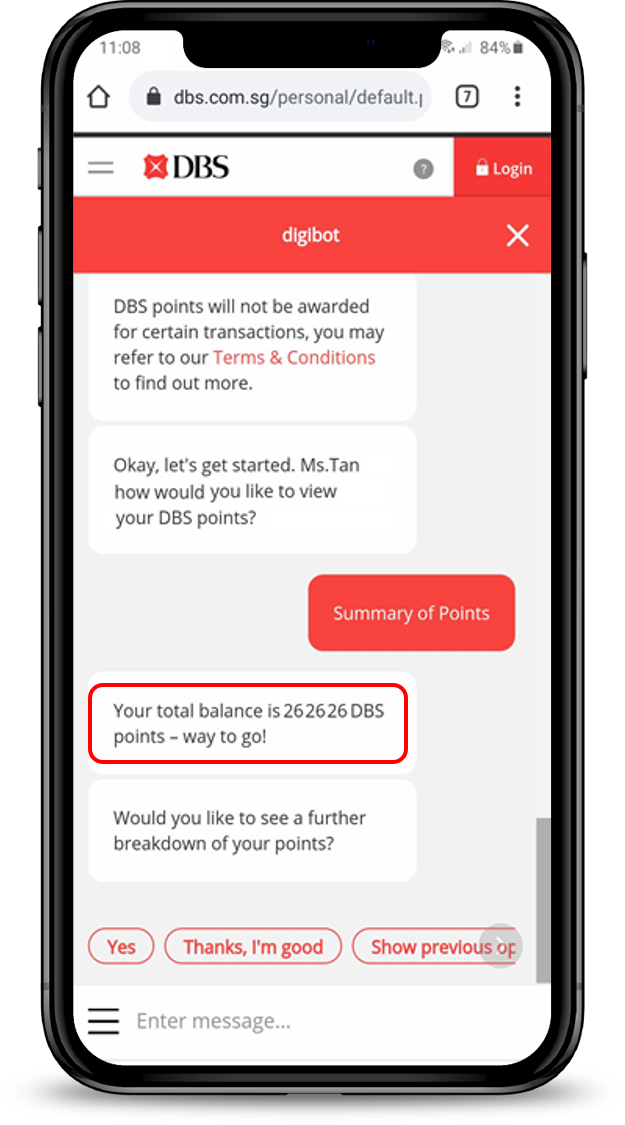
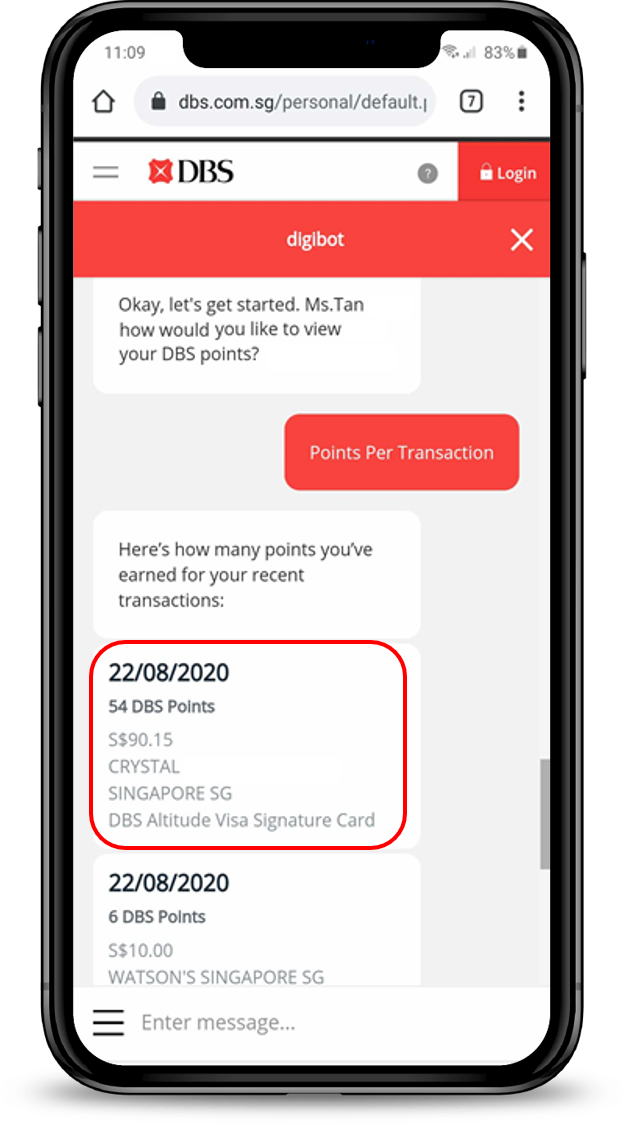
DBS digibot (DBS Points only)

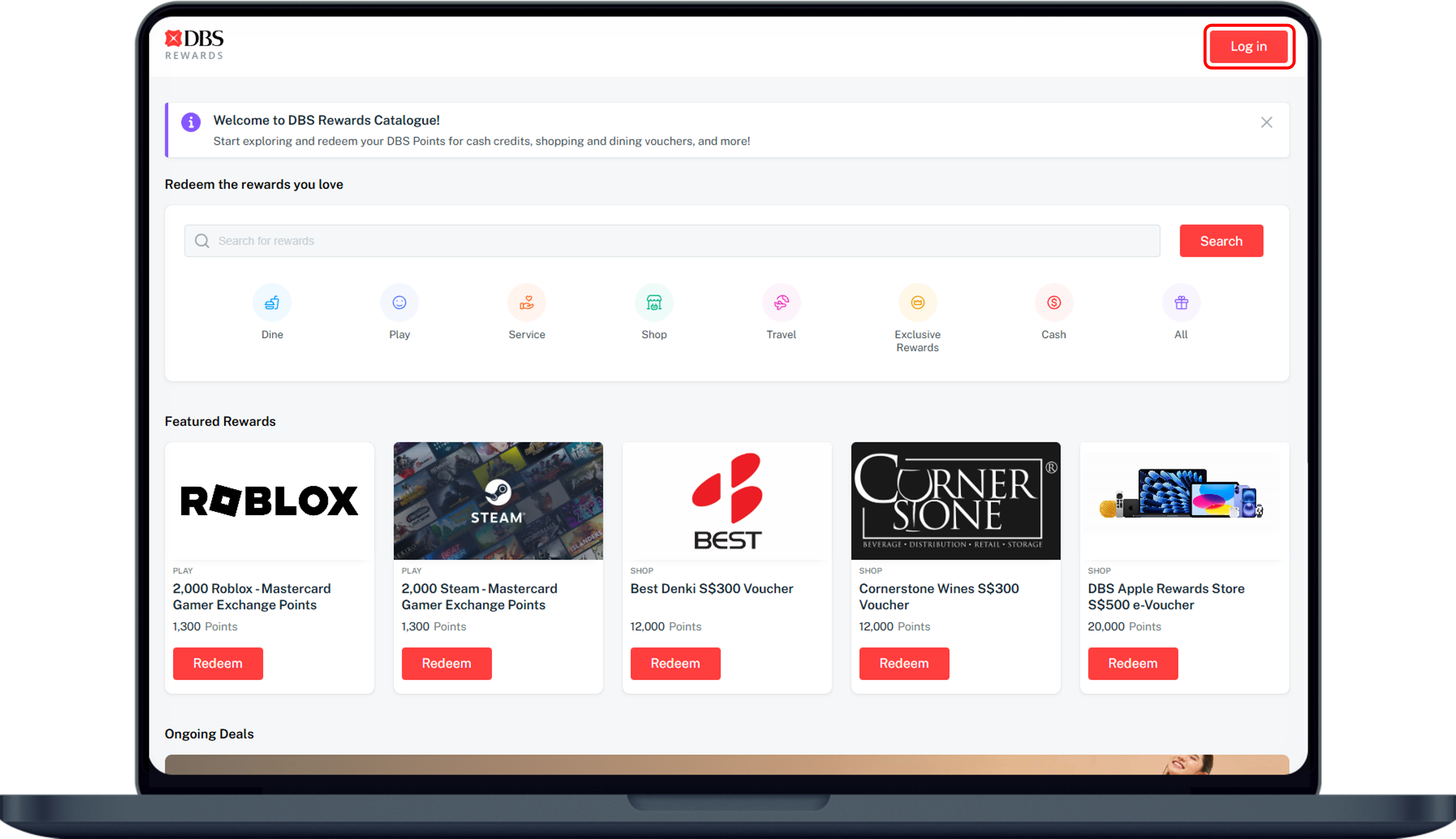
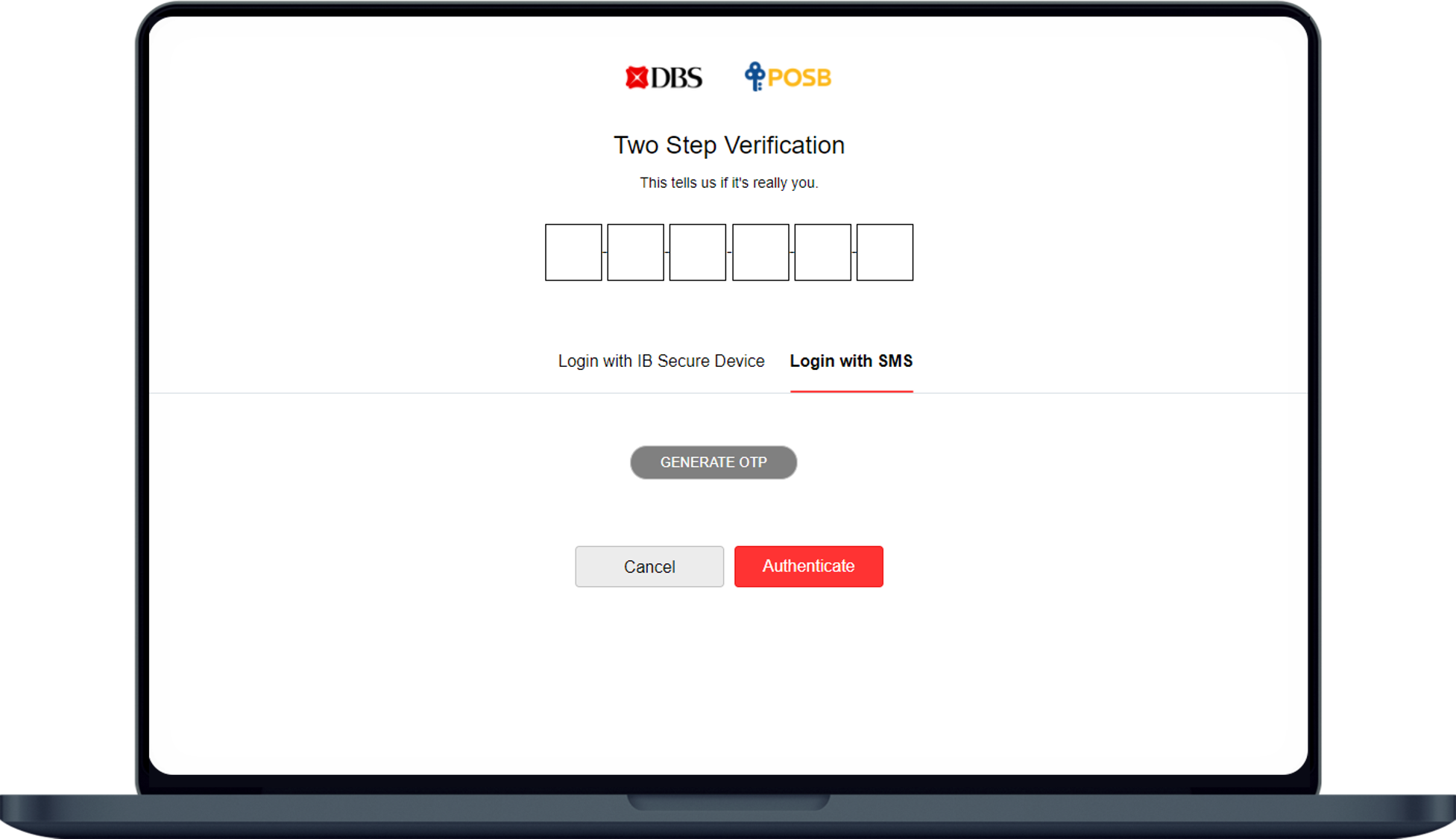
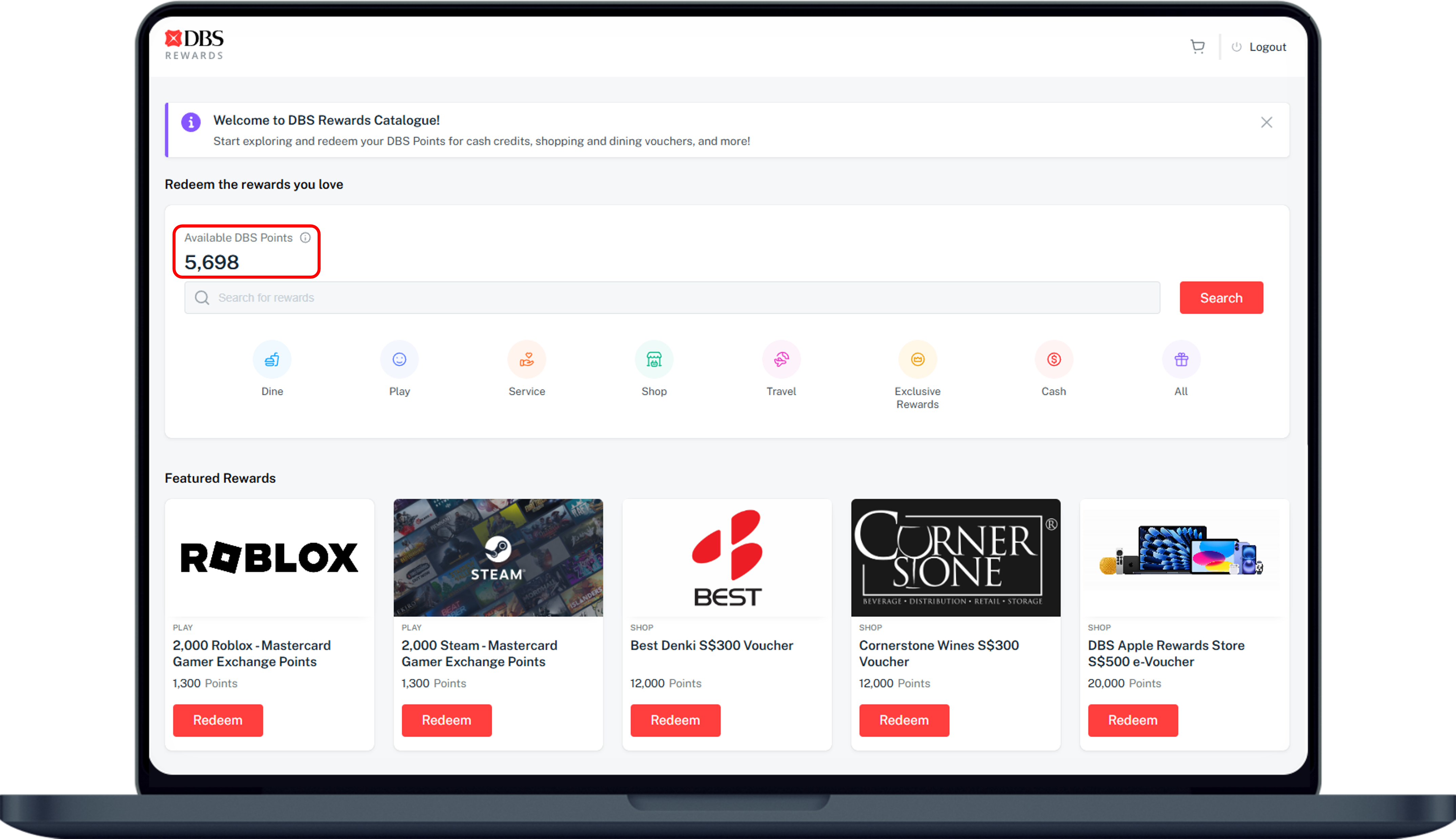
DBS Rewards Website (DBS Points only)
Monthly Statement
You may view your DBS Points under the DBS points summary for all your credit card(s). Please note that the summary is as of the statement date only.
More information
- There is no expiry date for earned Daily$.
- SAFRA$ earned in the respective months will expire 12 calendar months from the date it was earned. All expired SAFRA$ will be forfeited.
Was this information useful?