
Getting Started
Step 1:
Launch digibank and tap Overseas Transfers. Select your recipient and enter the amount.

Step 2:
Tap on > in the FX Rewards section.

Step 3:
If you have a voucher code, enter the code and tap Add. Otherwise choose from the list of available vouchers and tap Apply. It will be automatically added to your transaction

Step 4:
Confirm your transfer details, then click Next. Once the transfer is completed, the cashback will be credited to your account.

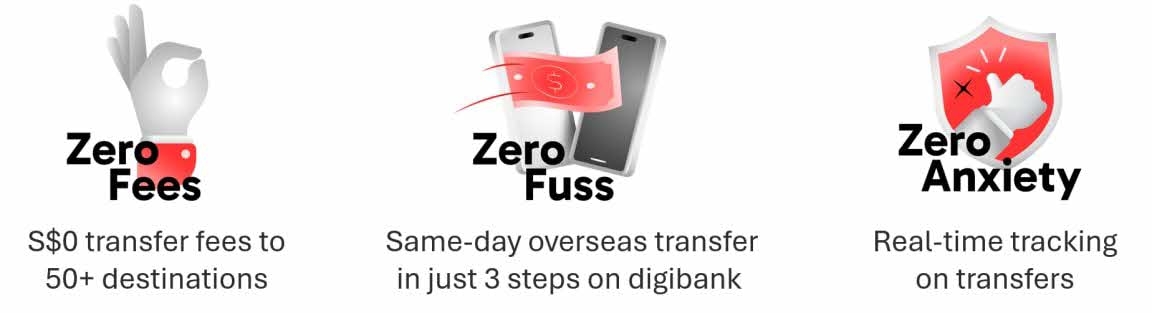
Step 1: Log in to digibank with your Touch / Face ID or digibank User ID & PIN..
Step 2: Tap on Pay & Transfer followed by the Overseas icon.
Step 3: Tap on Transfer status to view status of your remittance.

No registration is needed. To enjoy the promotion, apply the cashback voucher code within the FX Rewards section and complete an Eligible Transaction of the Eligible amount in digibank.
No. Eligibility is determined based on the transaction submission date. Transactions completed with the cashback voucher code successfully applied, will be considered Eligible Transactions.
If the eligible customer fulfils all criteria, the cashback will be credited to the bank account in the debited currency used for the first eligible transaction once the transaction is completed.
No. Customers must complete a single Eligible Transaction of at least S$300 or S$1,500 (or equivalent in the debited currency at point of transaction) and apply the cashback voucher in digibank to qualify for the respective cashback.
Yes. The selected voucher will be applied to the first recurring transaction, provided that the voucher is still valid at the point of transaction. If the voucher is no longer valid at the point of transaction, it will be automatically removed.
The FX Rewards voucher is available only to the first 1,000 customers per calendar month who successfully complete a qualifying transaction. If you are unable to locate the voucher within your digibank, it is likely that the redemption limit of 1,000 vouchers has been reached. In this case, the voucher will appear under the “Past” tab on the FX Rewards page, indicating that all available vouchers have been fully redeemed.