Update PayNow Details
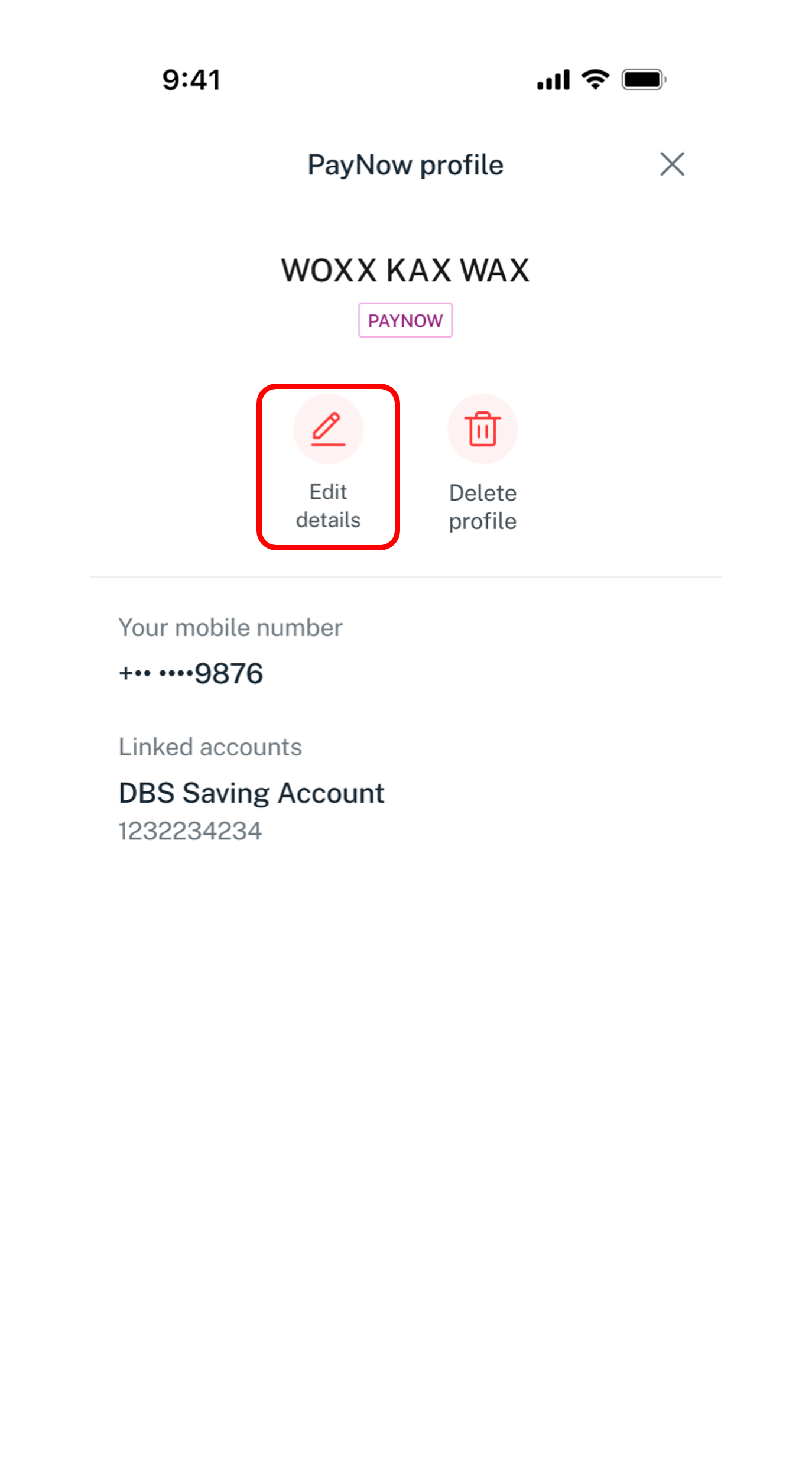
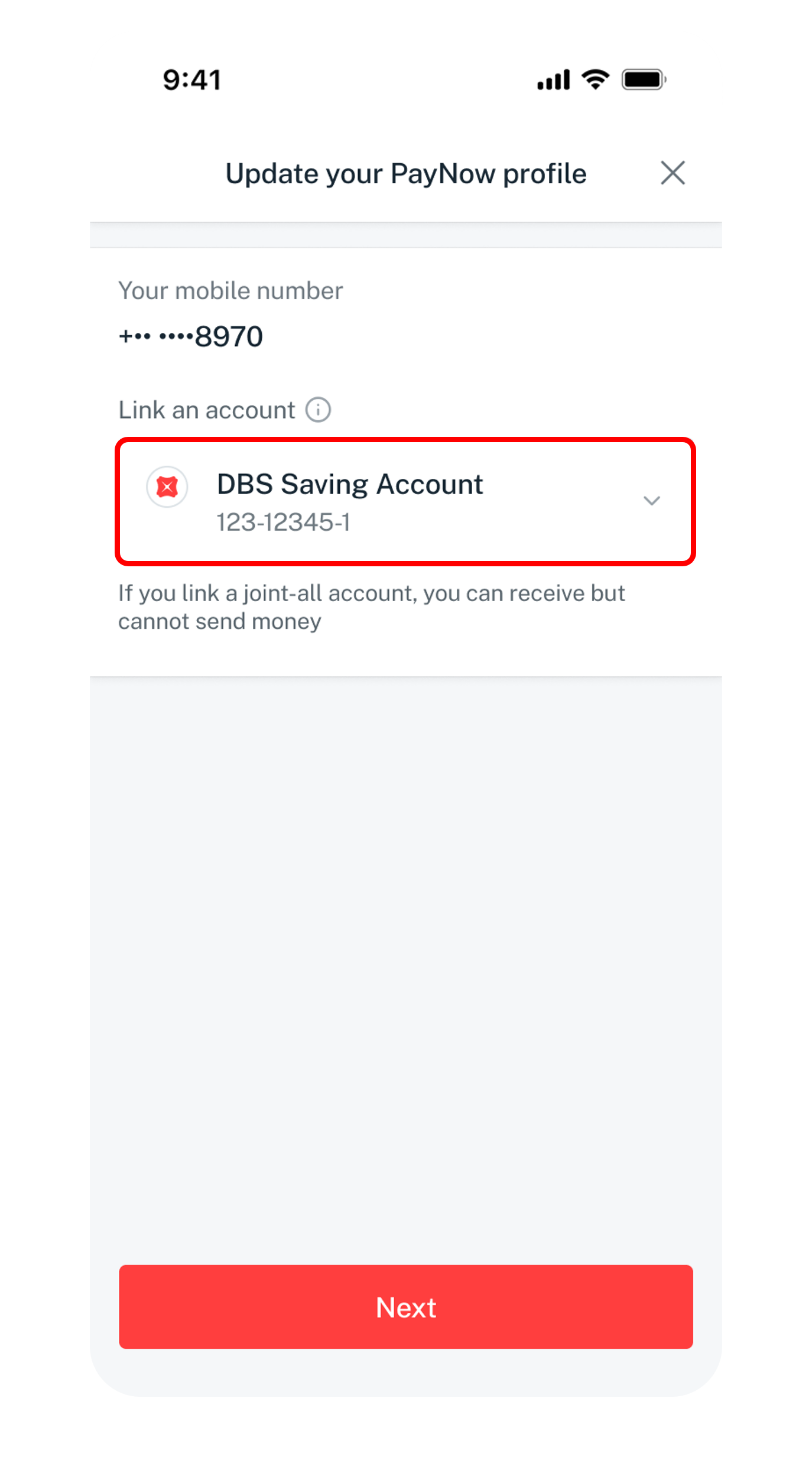
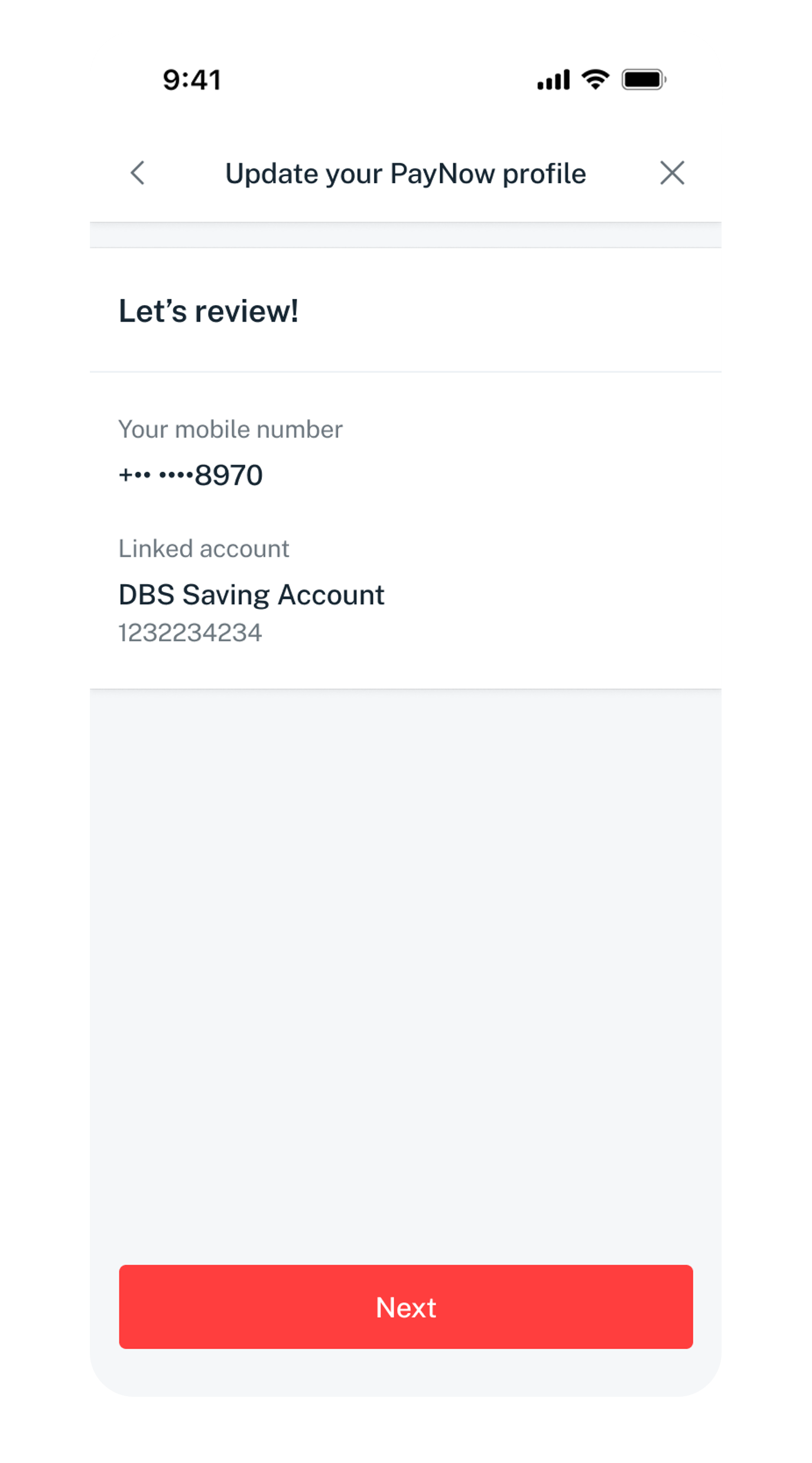
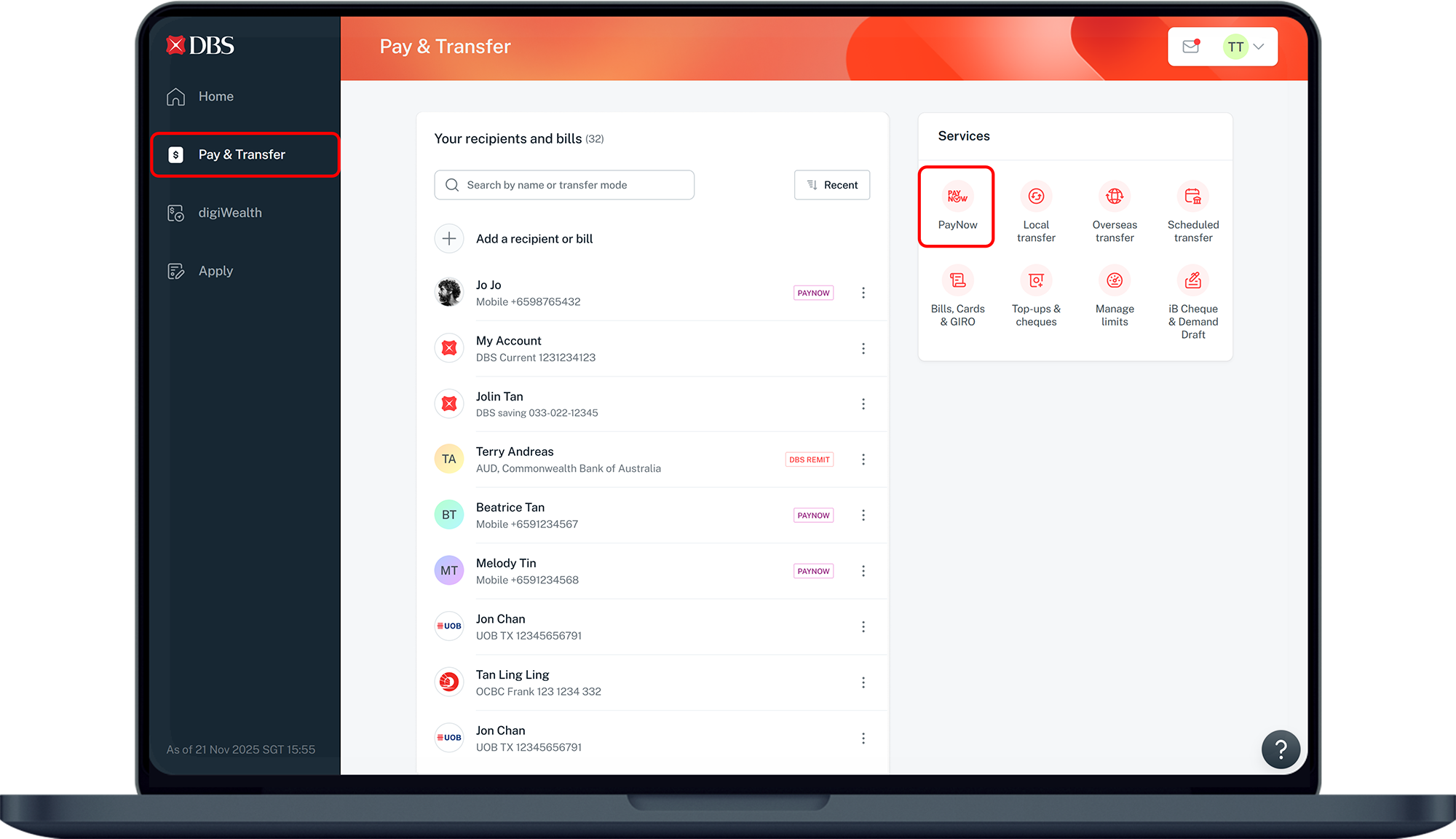
Change your linked account or switch from a different bank.
Note: From 6 June, PayNow users will see names linked to retail bank accounts with selected letters when transferring funds. Nicknames are ceased for better protection against impersonation scams. See ABS website for info.
How to update PayNow details
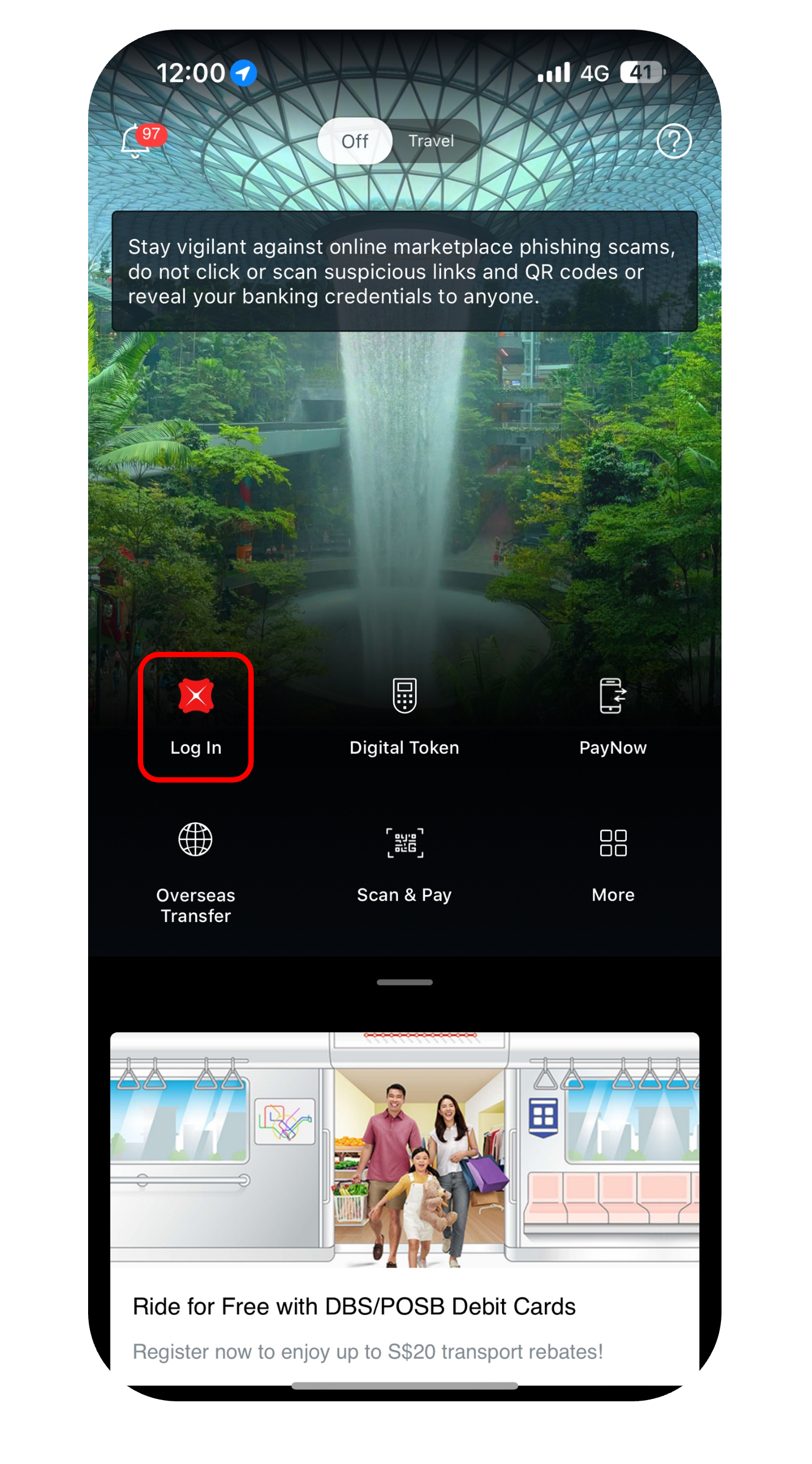
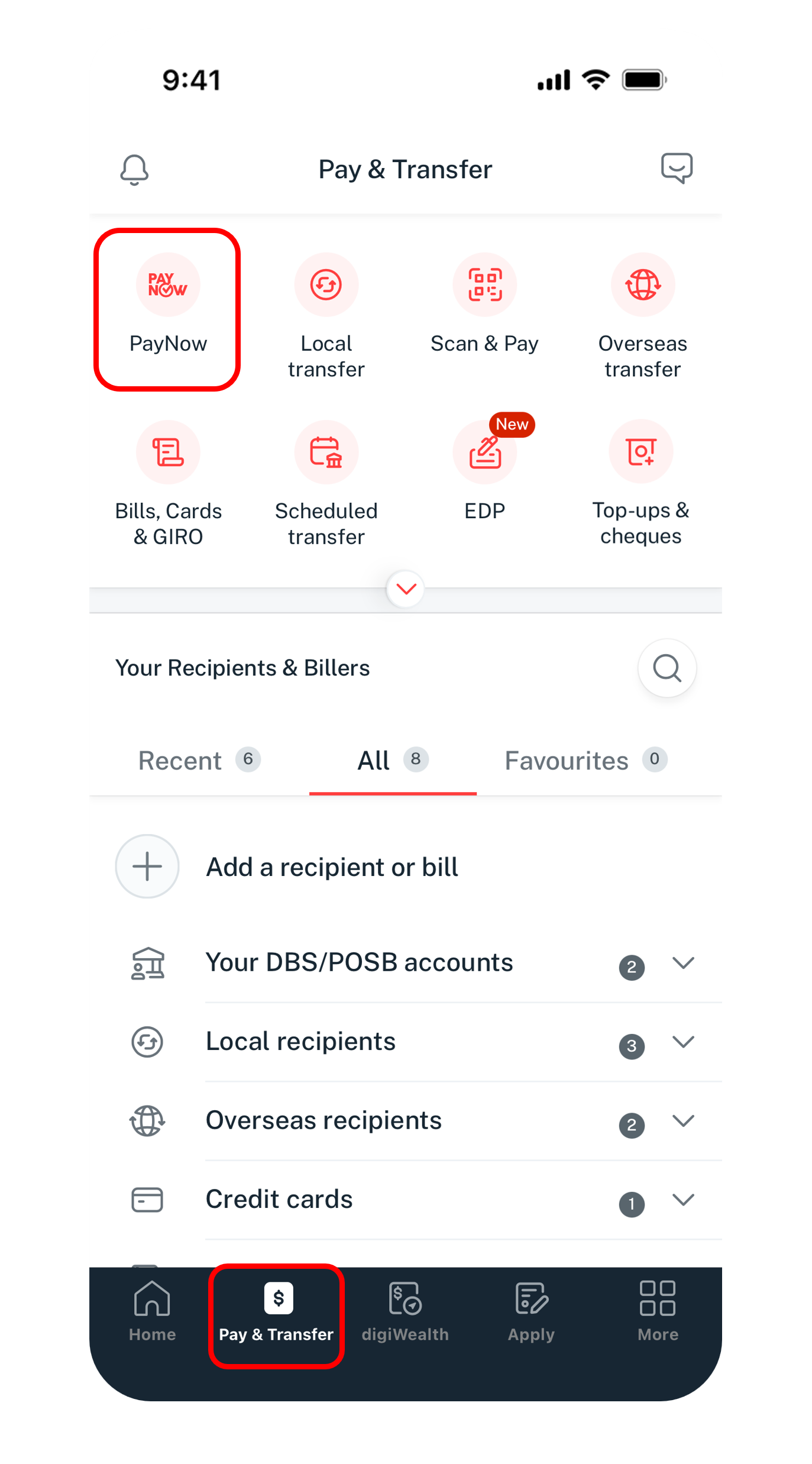
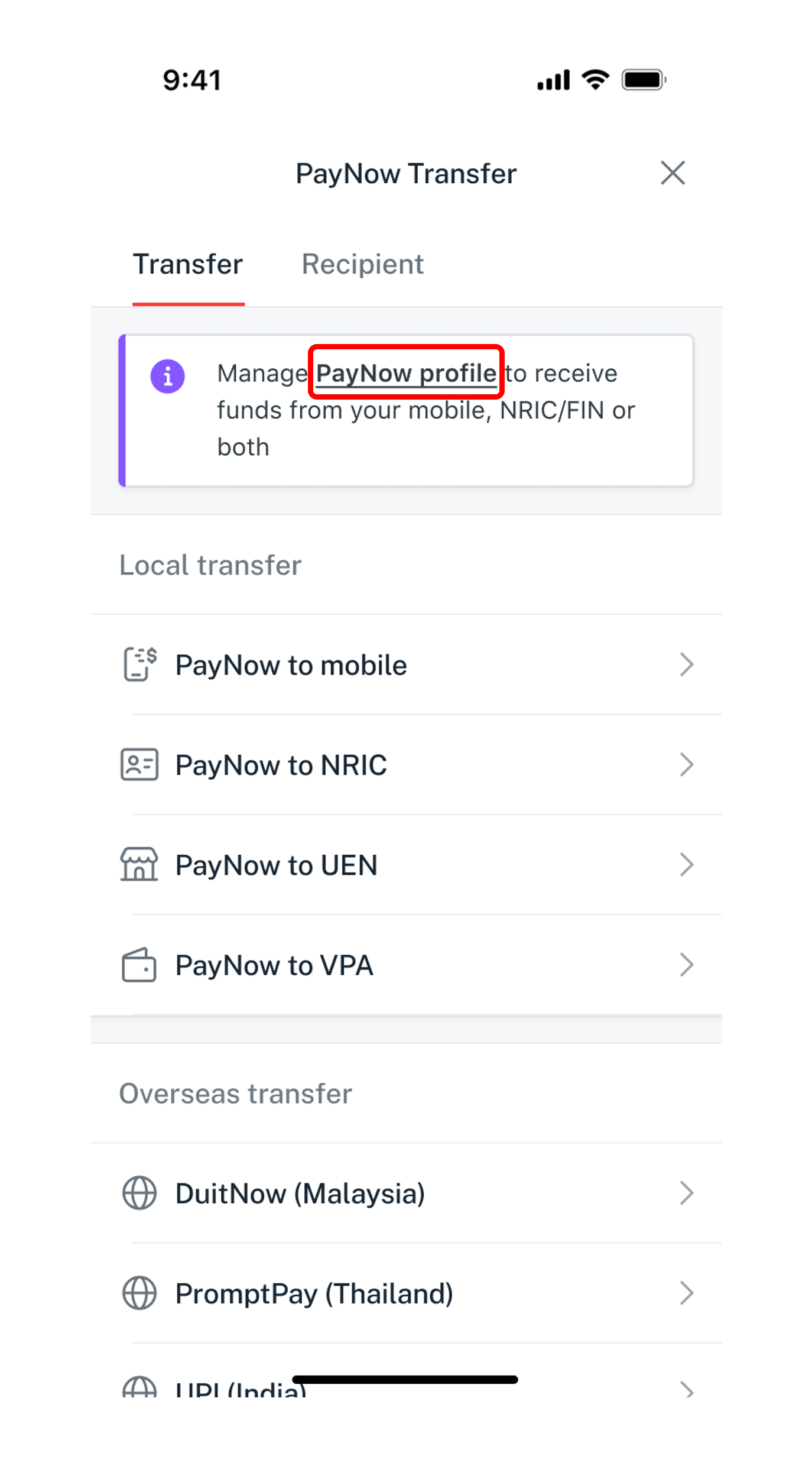
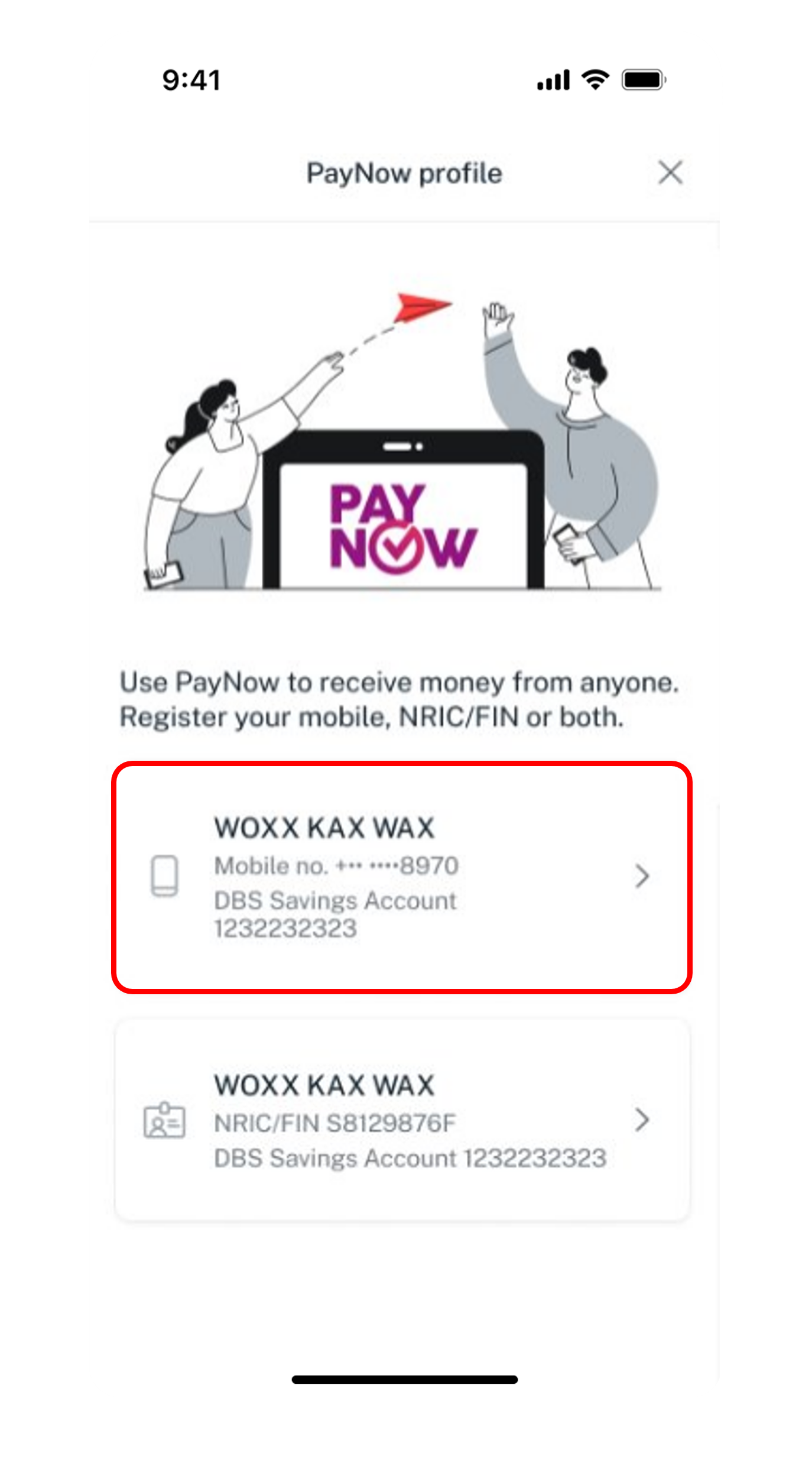
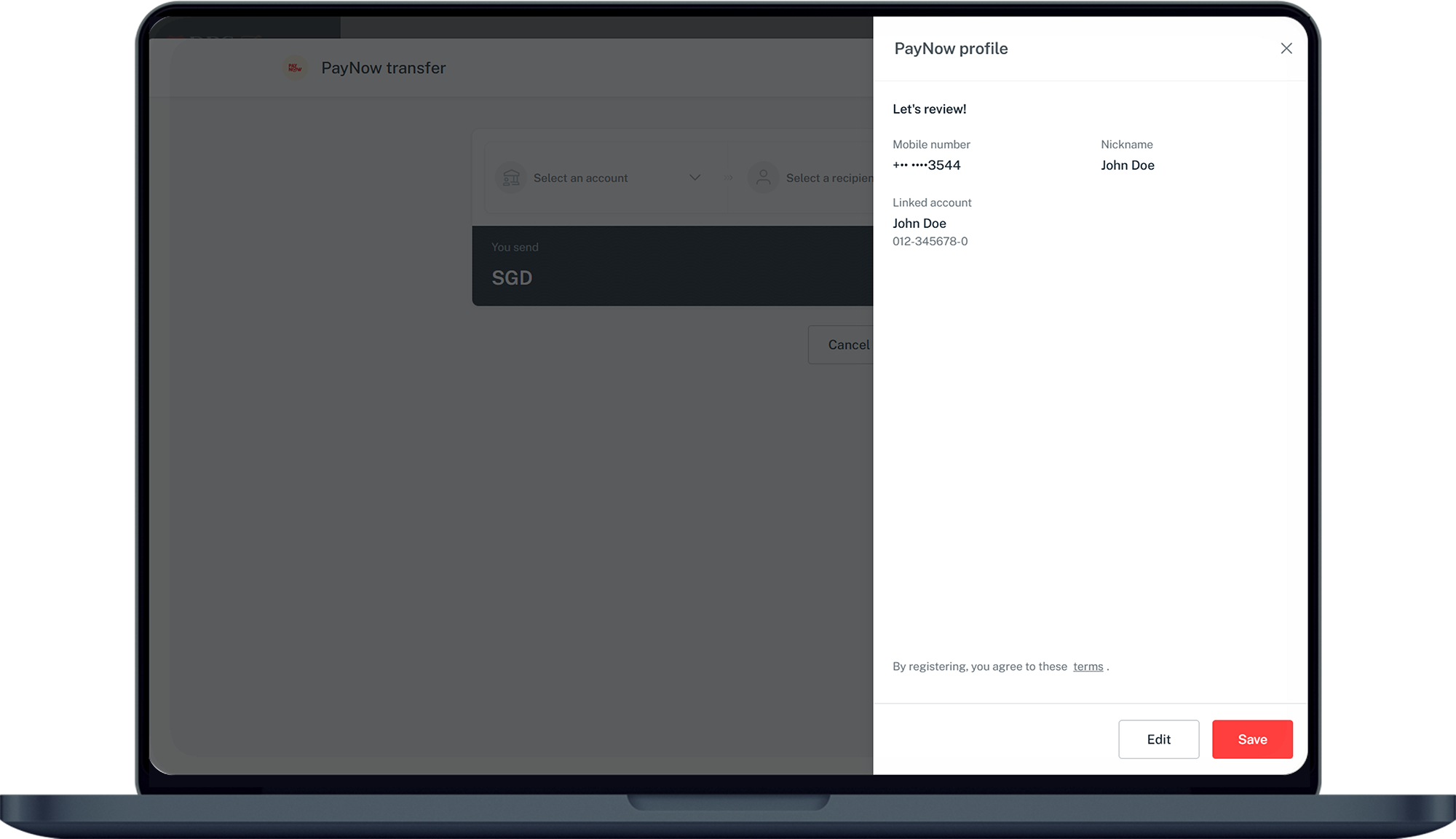
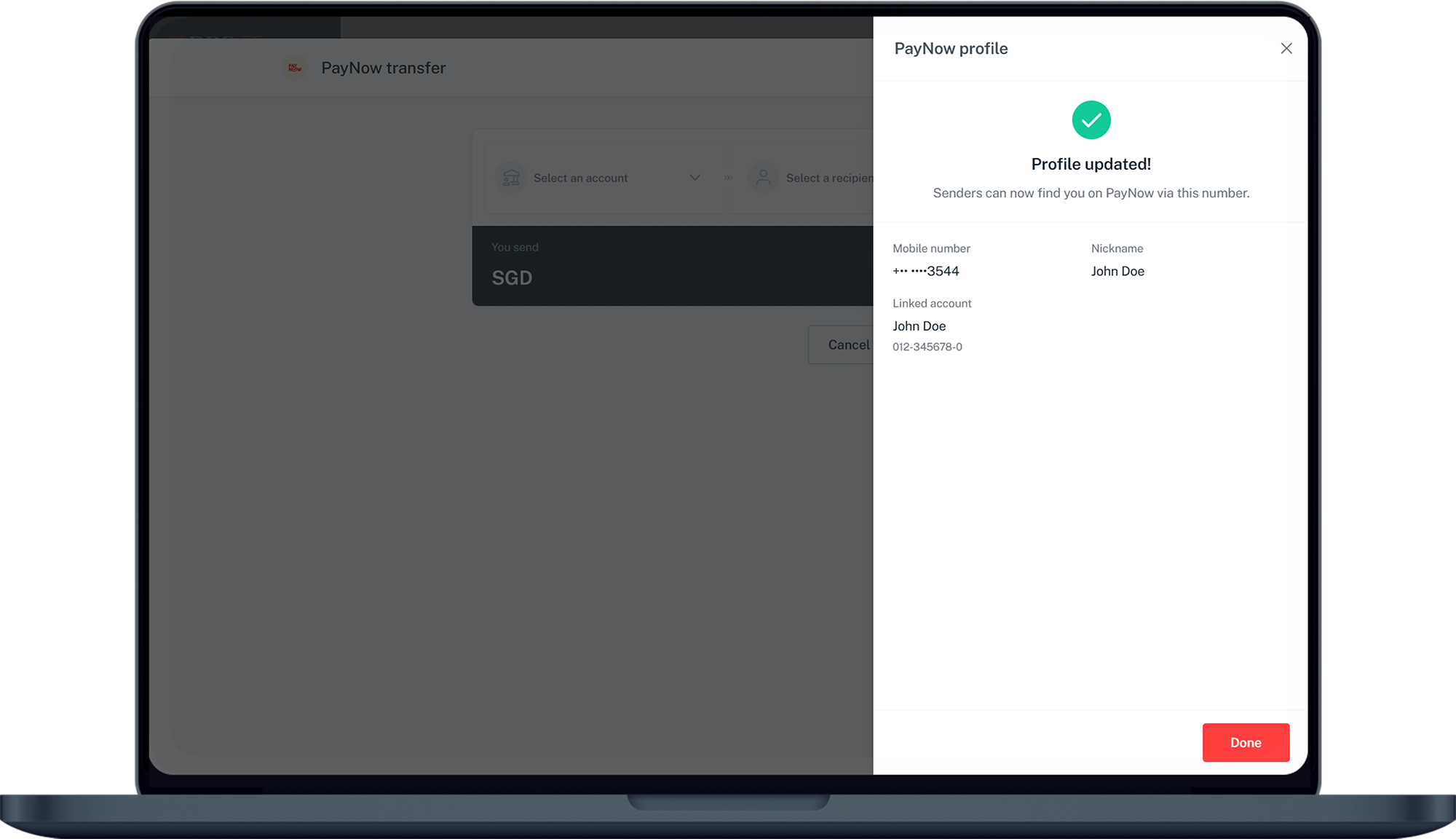
There are various channels which you may update PayNow details with us. The most convenient method would be via digibank mobile.
digibank mobile

Get the latest DBS digibank mobile app now!



digibank online



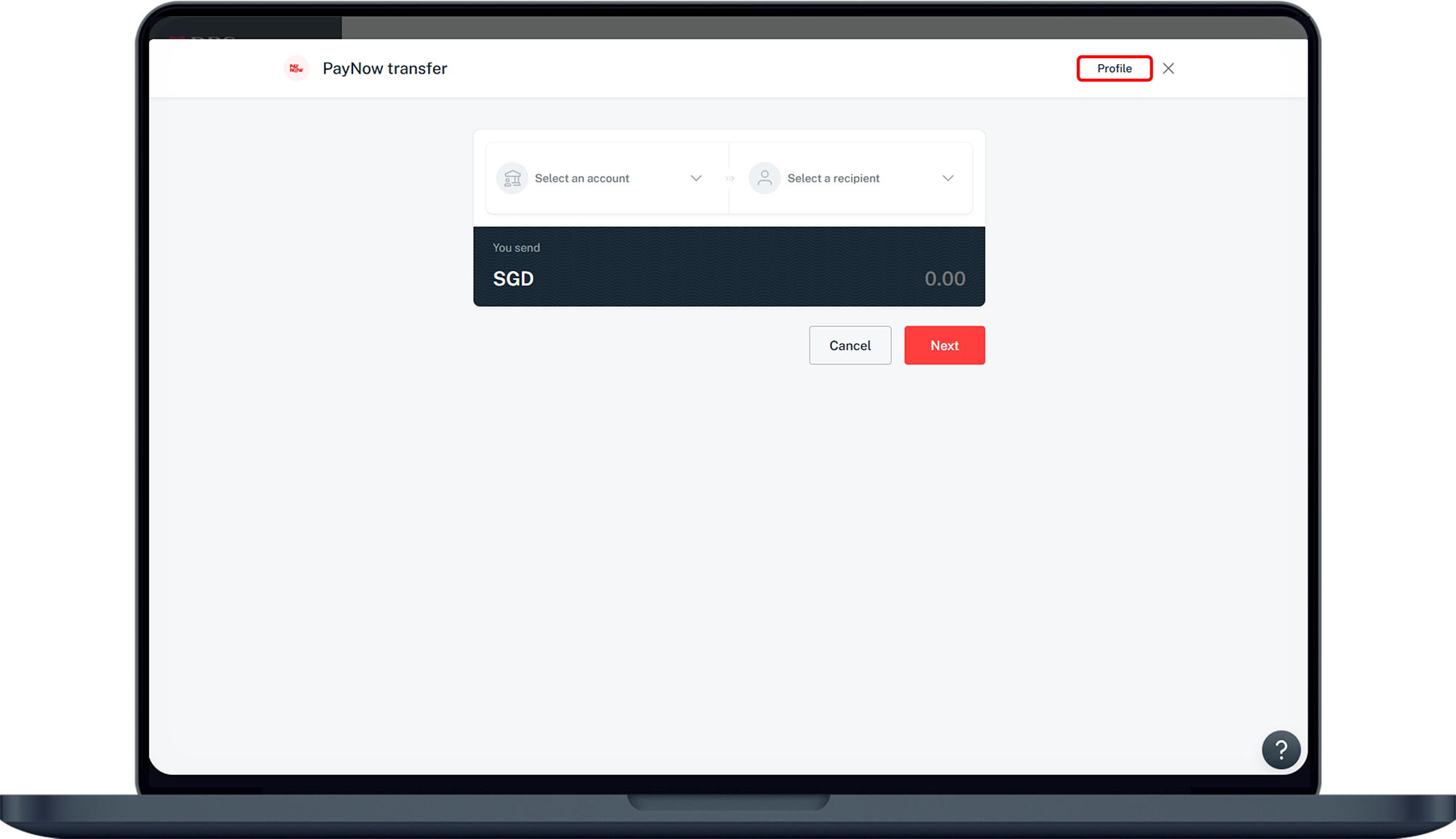
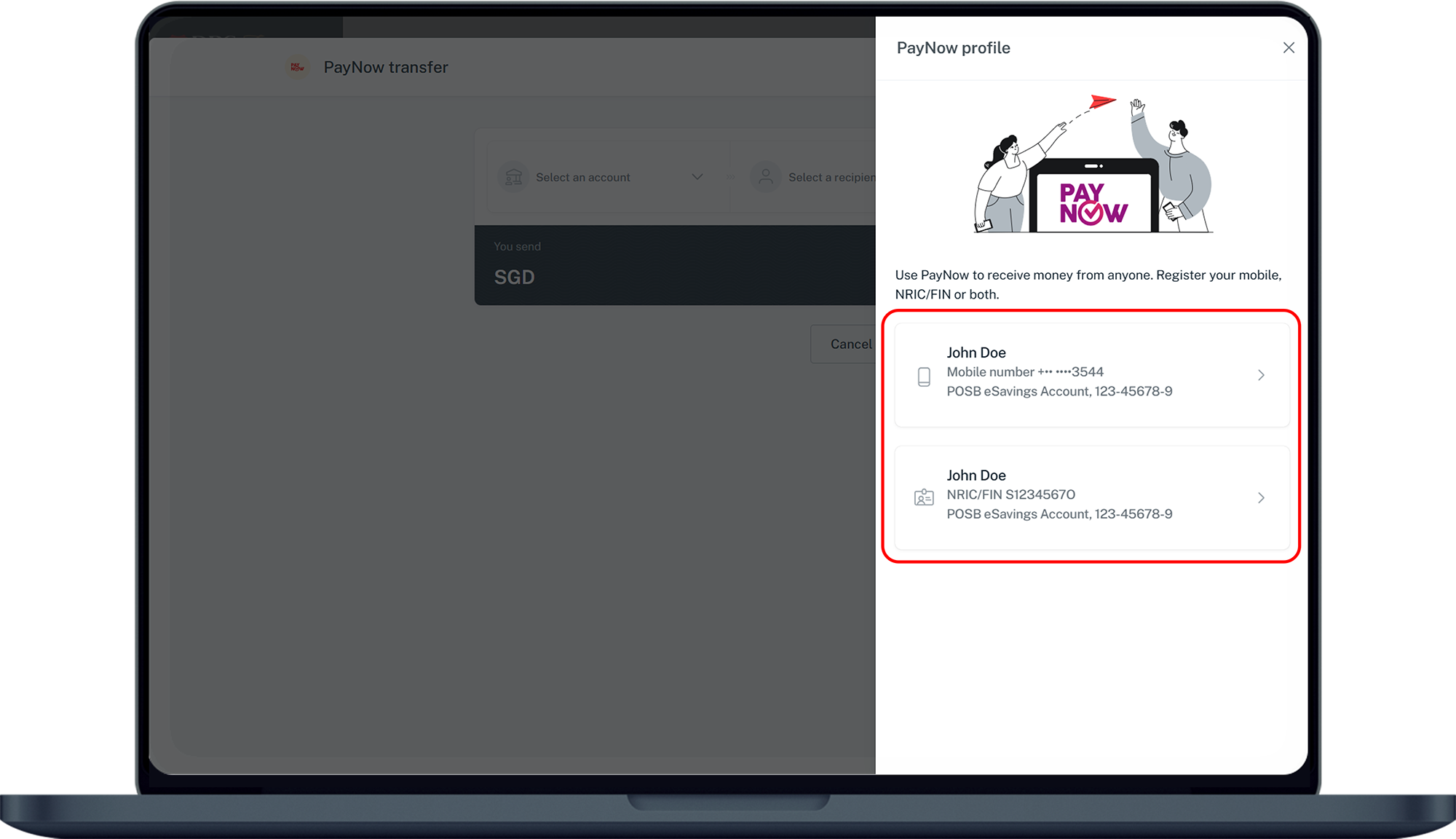
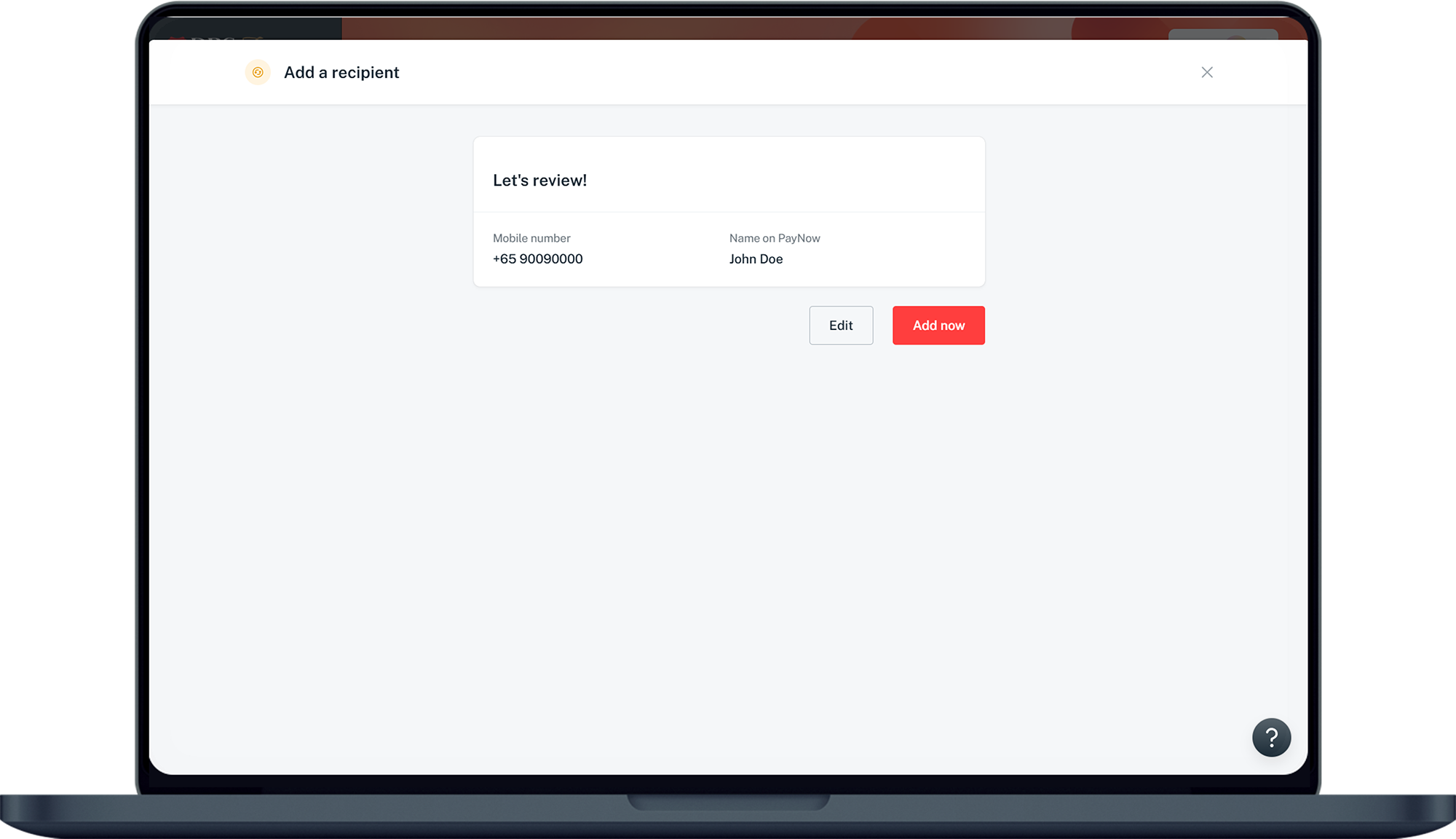
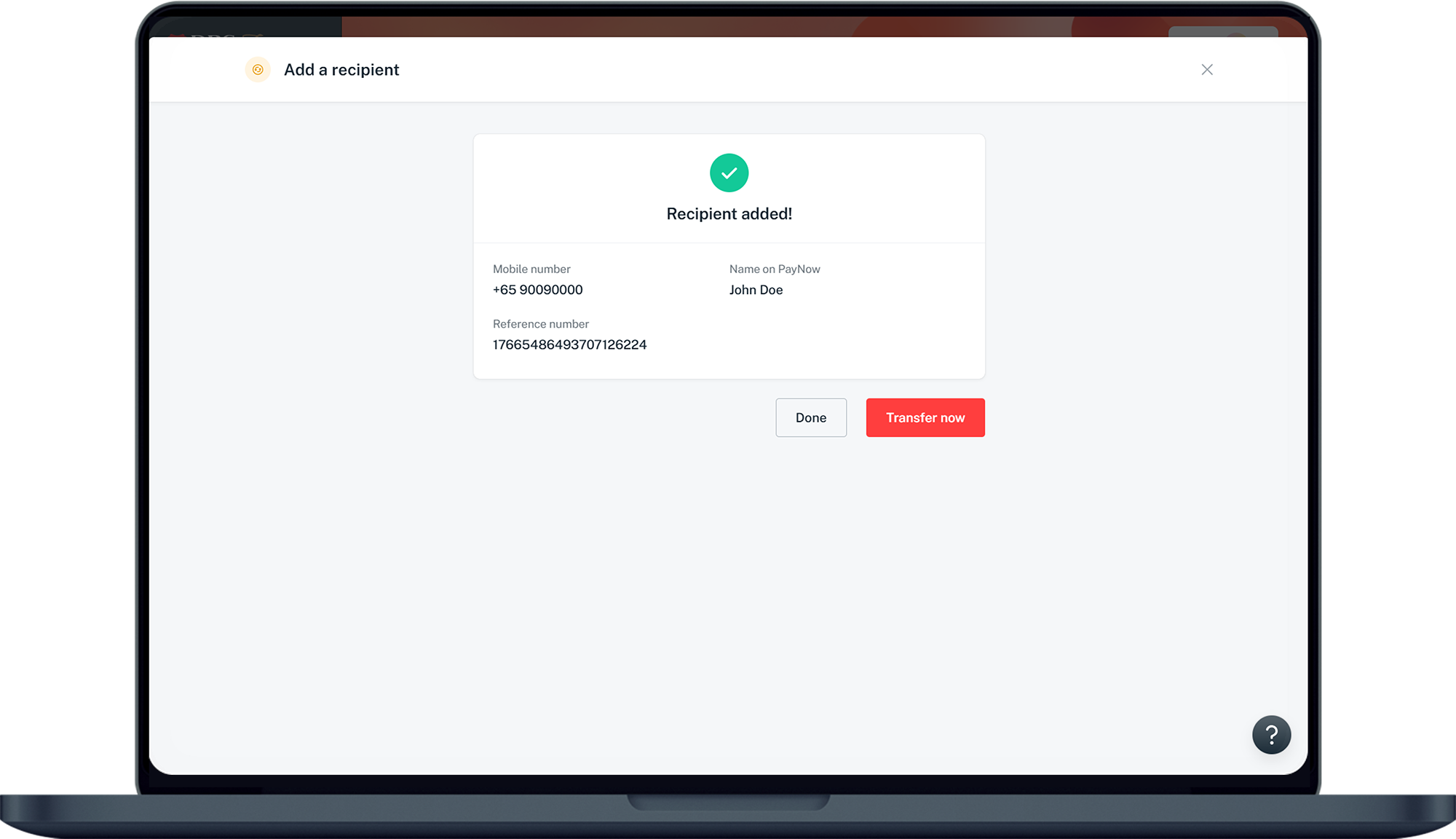
Frequently Asked Questions
I already have PayNow registered with another Bank and would like to change my linked account to a DBS/POSB Account. What can I do?
You may deregister your PayNow profile first and the apply for PayNow with DBS/POSB.
I recently changed my mobile number, and would like to update my PayNow mobile number Proxy. What should I do?
If you have recently changed your mobile number, you should first update your new mobile number with the bank. Learn how you can update your mobile number with us.
Once you have updated your mobile number with the bank, your old mobile number will automatically be de-registered from PayNow. An SMS notification will be sent to the old mobile number, to confirm the de-registration.
You can then register your new mobile number as a PayNow Proxy via digibank.
Once you have updated your mobile number with the bank, your old mobile number will automatically be de-registered from PayNow. An SMS notification will be sent to the old mobile number, to confirm the de-registration.
You can then register your new mobile number as a PayNow Proxy via digibank.
I recently became a Singapore Permanent Resident (PR), and would like to register my NRIC as a PayNow Proxy. What will happen to my FIN Proxy?
Once you receive your blue NRIC, proceed to the nearest DBS/POSB branch to update your NRIC in the bank's records. During the update process, your FIN Proxy will be de-registered from PayNow and your NRIC will become eligible for registration.
You can subsequently register your NRIC as a PayNow Proxy, via digibank.
You can subsequently register your NRIC as a PayNow Proxy, via digibank.
Was this information useful?