



Useful guides
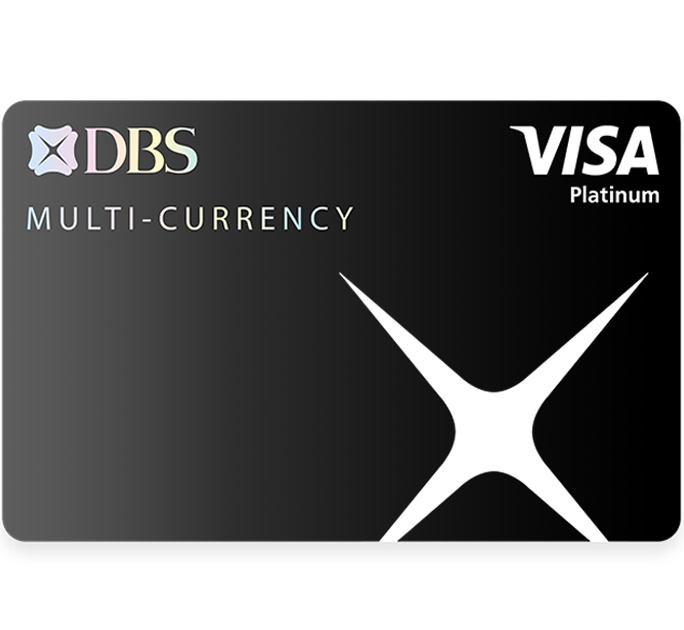
- Log in to digibank mobile
- Upon successful login, tap “More”
- Under “Manage Cards & Loans”, select “Link Card to Account”
- Select the Card you wish to link your My Account to
- Verify the details and tap “Confirm” to complete the card linkage
 | Step 1 Step 2 Step 3 Step 4 Step 5 Step 6 Step 7 |
Remit in 3 steps. Zero fuss.
Save time anytime with hassle-free sending:
Step 1
Tap Overseas Transfer
Step 2
Enter amount and recipient
Step 3
Review and Send
Online Trading Platform
For an introduction to the Online Trading Platform and to learn more about all the available features, download our user guides (for desktop / mobile app).
 | Step 1 Step 2 Step 3 Step 4 Step 5 Step 6 Step 7 |
1 When the transaction involves conversion of one foreign currency to another, foreign currency deposits are subject to exchange rates which may give rise to capital gains or losses. You can select the same currency as your foreign currency Fixed Deposit to prevent this.