Troubleshooting Guide
Have trouble with your digibank or Paylah! app? Follow these troubleshooting steps.
What issue are you facing?
App not loading or keeps crashing
Step 1
Check if App is updated to the latest version.- digibank mobile
Download the latest digibank mobile app




- DBS Paylah
Click the link below to download the latest app version:

Step 2
Check if Mobile Phone Operating Systems is the latest version.You can choose to enable auto OS update or follow these steps:
- iOS devices
Settings > General > Software Update - Android devices:
Settings > Software Update
Step 3
Restart your phone.If you are facing the same issue after restarting, you may delete your app and reinstall the latest app version.
Unable to Login
Step 1
Check our Scheduled Maintenance.Step 2
Attempt your login again.- Clear your cache after each failed login before you attempt your login again.
- If your login is still unsuccessful after repeated tries, it could be your Internet Service Provider (ISP), Local Area Network (LAN), or our system is facing intermittent slowness/ problems. In this case, you should attempt your log in a while later.
Step 3
Incorrect login credentials- If you have forgotten your digibank login, you may reset your digibank User ID or PIN accordingly.
- If you have forgotten your PayLah! login, click on "Forgot your Password?"
Exceeded number of login attempts
You can reset your PIN to reactivate your account. Learn more on how to Reset digibank PIN.
Unable to use Digital Token
Click on the links below to learn how to resolve common issues faced related to digital token:
- Unable to setup digital token
- Poor/No internet connection
- Non Receipt of Email OTP
- Set up your Digital Token on multiple devices
I suspect that my PIN has been tampered with. What should I do?
If you are able to login to your digibank mobile app to change your User ID/PIN you may follow these steps:
- Log in to digibank mobile with your Touch / Face ID or digibank User ID & PIN.
- Tap on More at the bottom and under Your profile, select Change User ID/PIN.
- Enter your existing and new PIN and tap Change PIN now.
More information
- Updating your OS can help minimise service disruption and protect your device against malicious attacks. Learn more about the minimum operating system (OS) requirements for DBS apps.
DBS Pitstop
| Get real-time assistance from our Digital Specialists at DBS Pitstop at Takashimaya to help you with technical support on digibank and PayLah! apps. | 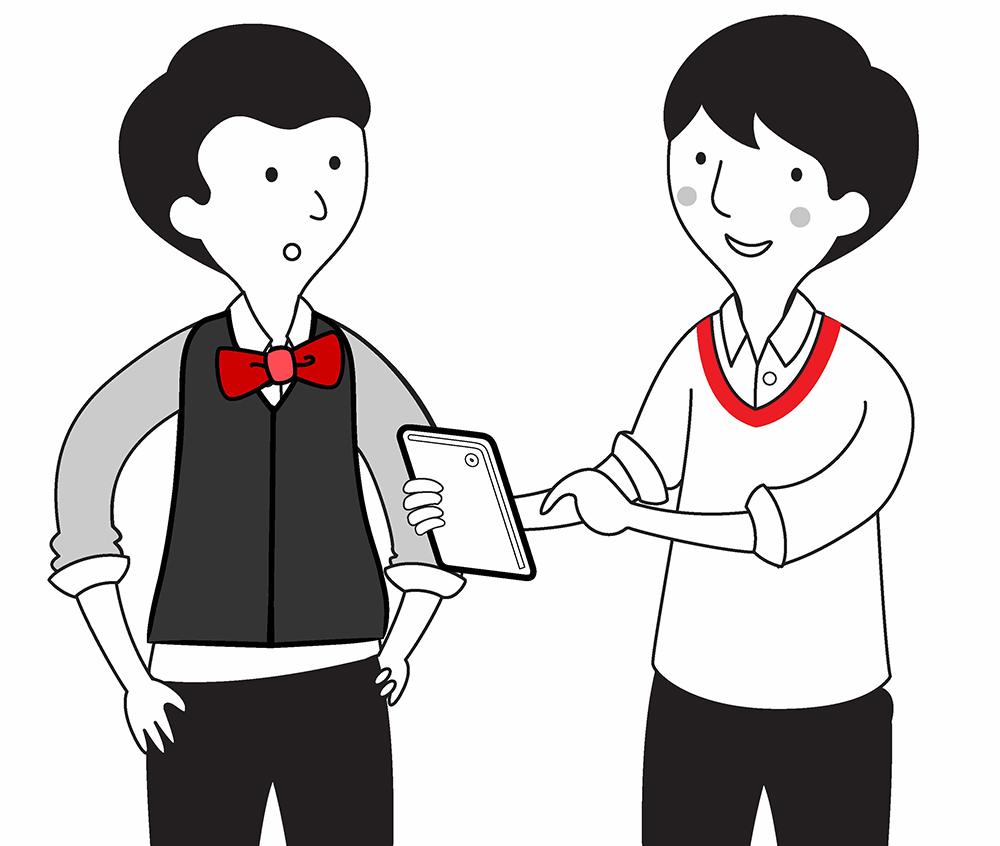 |
Was this information useful?