Pay with Samsung Pay Using DBS/POSB Cards

Make fast, secure mobile payments with Samsung Pay. Add your DBS/POSB Credit or Debit Card to Samsung Wallet and pay easily at contactless payment terminals.
Add your eligible DBS/POSB Credit or Debit Card to Samsung Pay in just a few steps.
Enjoy secure payments with biometric or PIN authentication on your Samsung device.
Tap and pay wherever contactless payments are accepted.
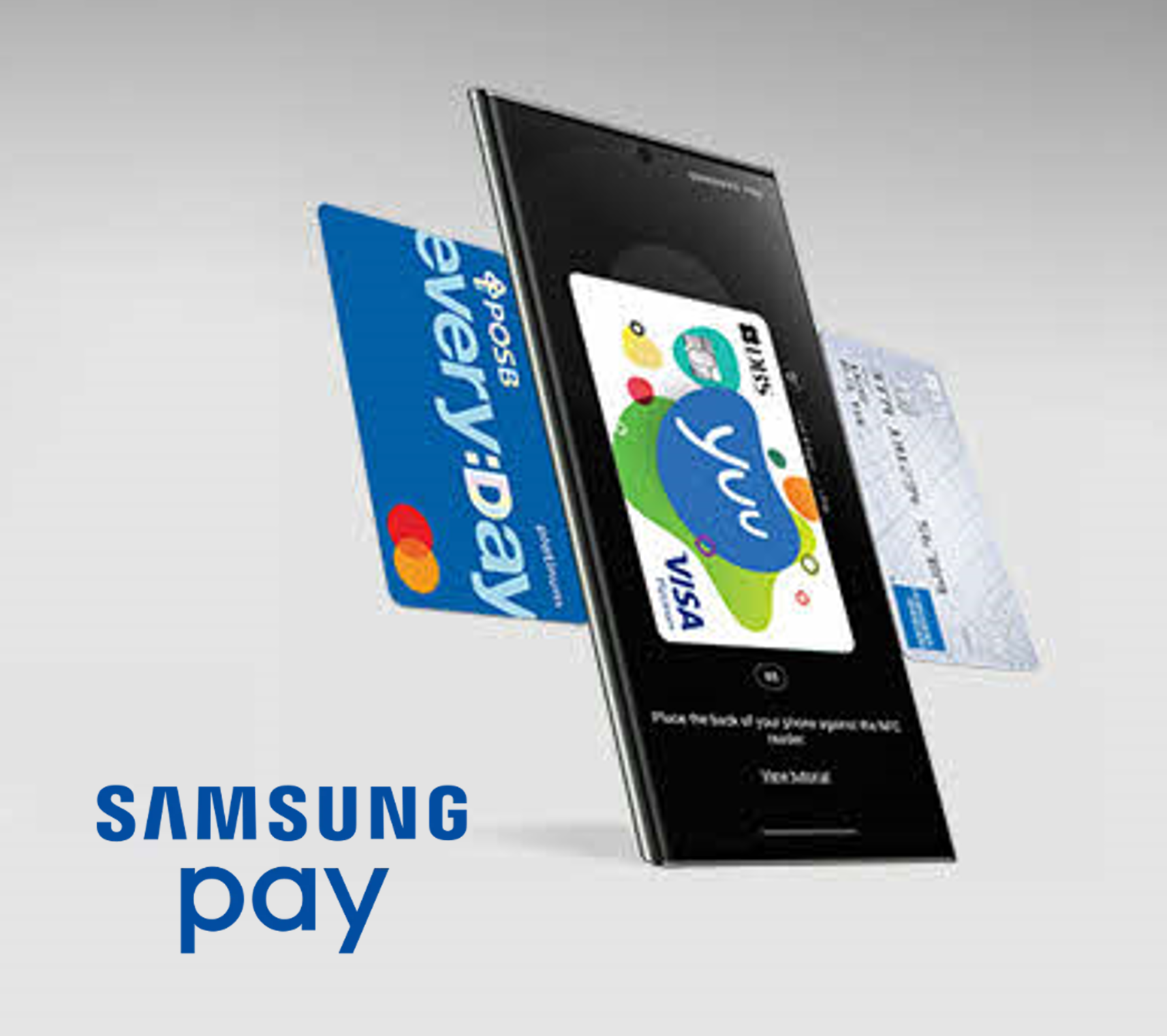
Pay with Samsung Pay Using DBS/POSB Cards
Overview
Overview
How it works
How to set up
Where to use
FAQ

How it works

Samsung Pay works almost anywhere¹ where you can tap or swipe a card. It works on both Near Field Communication (NFC) contactless readers and Magnetic Secure Transmission (MST) card readers. Pay with Samsung Pay.
1
Swipe up from the bottom of the screen to the top to launch Samsung Pay and select your card
2
Secure Your Payment by using your fingerprint or enter PIN to authenticate the payment
3
Tap your phone on the NFC contactless reader or the MST card reader for payment
¹ Availability is based on the compatibility of Samsung Pay on NFC and/or MST payment readers and terminals, with some supported for use only after software upgrades.

How to set up

Via digibank app
1
Log in to digibank mobile with your Touch/Face ID or digibank User ID & PIN
2
On your Home screen, tap More, and select Payment Controls
3
Select the card you want to add to Samsung Pay, then turn on the toggle switch to enable Mobile Wallets"Mobile Wallets" toggle will automatically turn off after 10 minutes. Please complete adding your card to the mobile wallet within this timeframe.
4
Open your Samsung Wallet app and sign in to your Samsung AccountIf you do not have any, you may sign up for a new Samsung Account.
5
Follow the on-screen instructions to add your cardYour card details can be captured automatically with your device camera or by manual entry.

Where to use

Pay at your favourite stores with DBS/POSB Visa, American Express & Mastercard® Credit and Debit Cards securely using Samsung Pay.

From supermarkets to your favourite restaurants, just look for the Samsung Pay logo or contactless symbol at the checkout counter. You may even try it out at selected outlets with Magnetic Secure Transmission (MST) card readers.

Frequently Asked Questions