Home/Digital Banking/Set Up And Activate Your Digital Token With DBS

Set Up And Activate Your Digital Token With DBS

Set up your Digital Token to continue banking online, seamlessly.
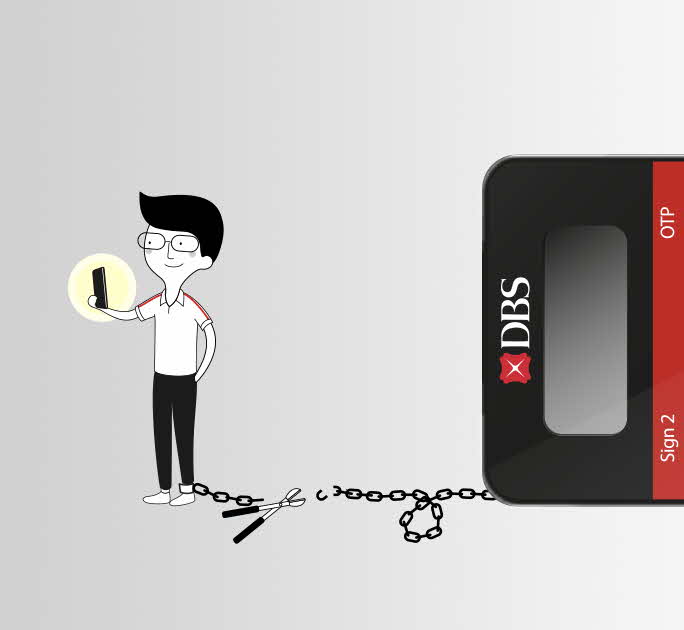
Authenticate on the go, one tap to verify your digibank transactions
More secure for your peace of mind with enhanced encryption to give you layered protection. It’s also protected by your phone lock, User ID and PIN or Face/Touch ID
Set Up And Activate Your Digital Token With DBS
Overview
Overview
Benefits
Set-up in 3 steps
FAQ

Features and Benefits

One tap to approve all banking matters

No more waiting for SMS OTP, no physical token to carry around. Just one tap to authenticate your transactions while on the go.

Safe even when your phone is gone.

Your Digital Token is still secure even if you lose your phone. Only you have access to it – protected by your phone lock, User ID and PIN or fingerprint.

One quick set-up in 3 steps

Setting up your DBS Digital Token is quick and easy. Follow these simple steps to get started.

Frequently Asked Questions