Enjoy S$18 off first booking with GetGo

Exclusively with DBS PayLah!
With GetGo, book a car by the hour or day, unlock and lock with the app, and only pay for the hours and mileage driven.
Register for an account and get access to thousands of vehicles islandwide. Plus, you can now check out seamlessly with PayLah!.
Click here to download the app and book now.
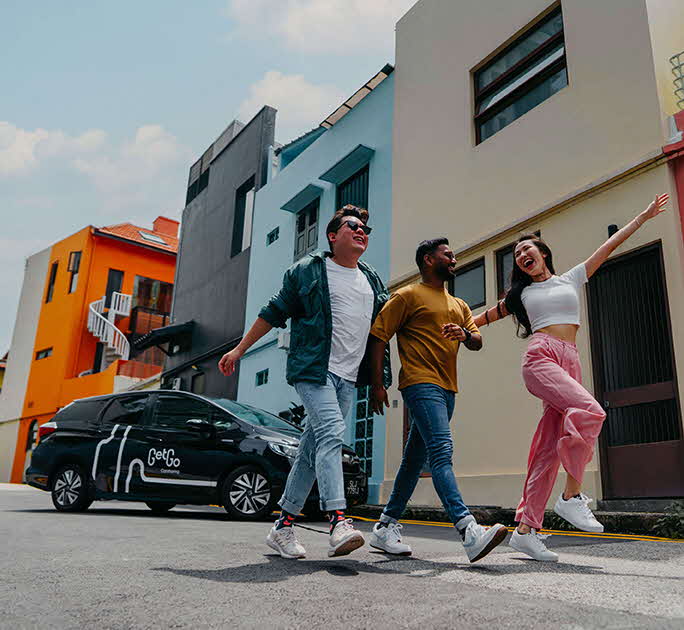
PayLah! is now on GetGo

New to GetGo?

Get S$18 off your first drive with GetGo with promo code: PAYLAHGG18.

T&Cs

  1. Promo code offer is S$18 with no min. spend, applicable for all new GetGo users on their first booking and bookings must be made with PayLah! payment method only.
  2. Promo code is applicable for bookings scheduled and completed by 31 Oct 2026.
  3. Promo code is applicable on both time charge and mileage charge. For bookings above the value of S$18, the cost of the booking in excess will be borne by the user.
  4. Promo code is applicable on Mondays to Sundays except eve of public holidays and public holidays.
  5. Promo code is applicable on all vehicles. 
  6. Promo code cannot be exchanged for cash or be used in conjunction with other promotions, discounts, and other vouchers
  7. Promo code will be forfeited and cannot be replaced upon booking cancellation.
  8. Redemption of this promotion does not guarantee that the user's account will be verified. Verification application will still be subjected to GetGo's policy.
  9. GetGo Carsharing reserves the sole and absolute right to withdraw, amend and/or alter any part or the whole T&Cs of the promotion without prior notice.

Here’s how you can pay with PayLah! on GetGo

1
Step 1Login to your DBS PayLah! account and tap on More
2
Step 2Tap on Manage Wallet and under Enable Auto Debit, swipe the radio button to the right to Enable Auto Debit
3
Step 3Tap OK to Enable Auto Debit
4
Step 4Complete the Authentication Process using your Digibank User ID & PIN and 6-digit SMS One-Time Password
5
Step 5On GetGo’s Book a Drive screen, input your criteria (location, date and time, duration) and tap on Go
6
Step 6Choose your preferred vehicle and select PayLah! as the payment option
7
Step 7Enter the promo code and tap on Book now
8
Step 8Tap on Yes to Confirm Booking

Not on DBS PayLah! yet?

Download the ultimate everyday app today.
Experience seamless local and overseas payments and discover exclusive DBS/POSB Cards and PayLah! deals on everything you love!

Find out more about DBS PayLah! here.

Monies in DBS PayLah! are a deposit. SGD deposits are insured up to S$100k by SDIC.